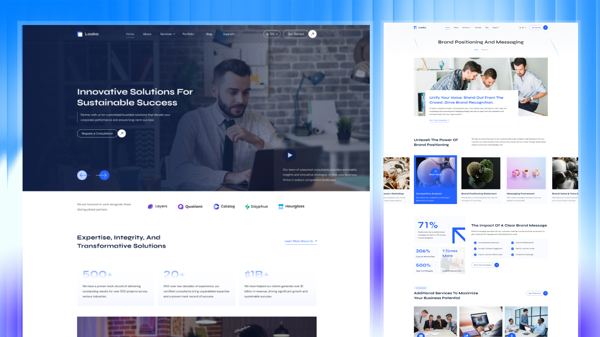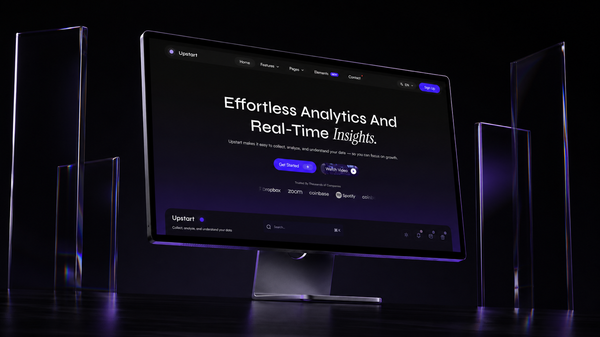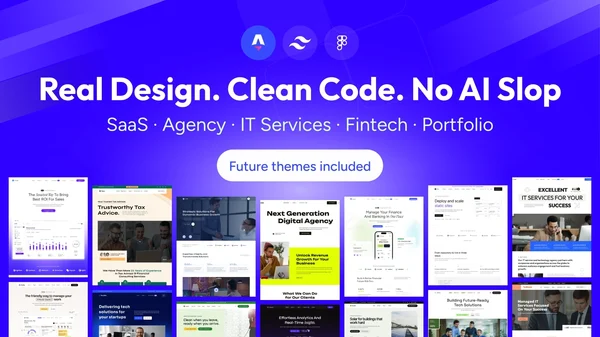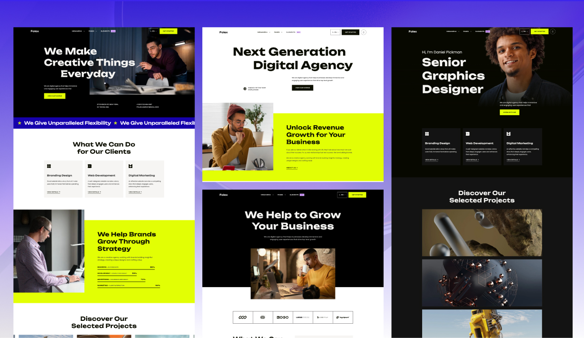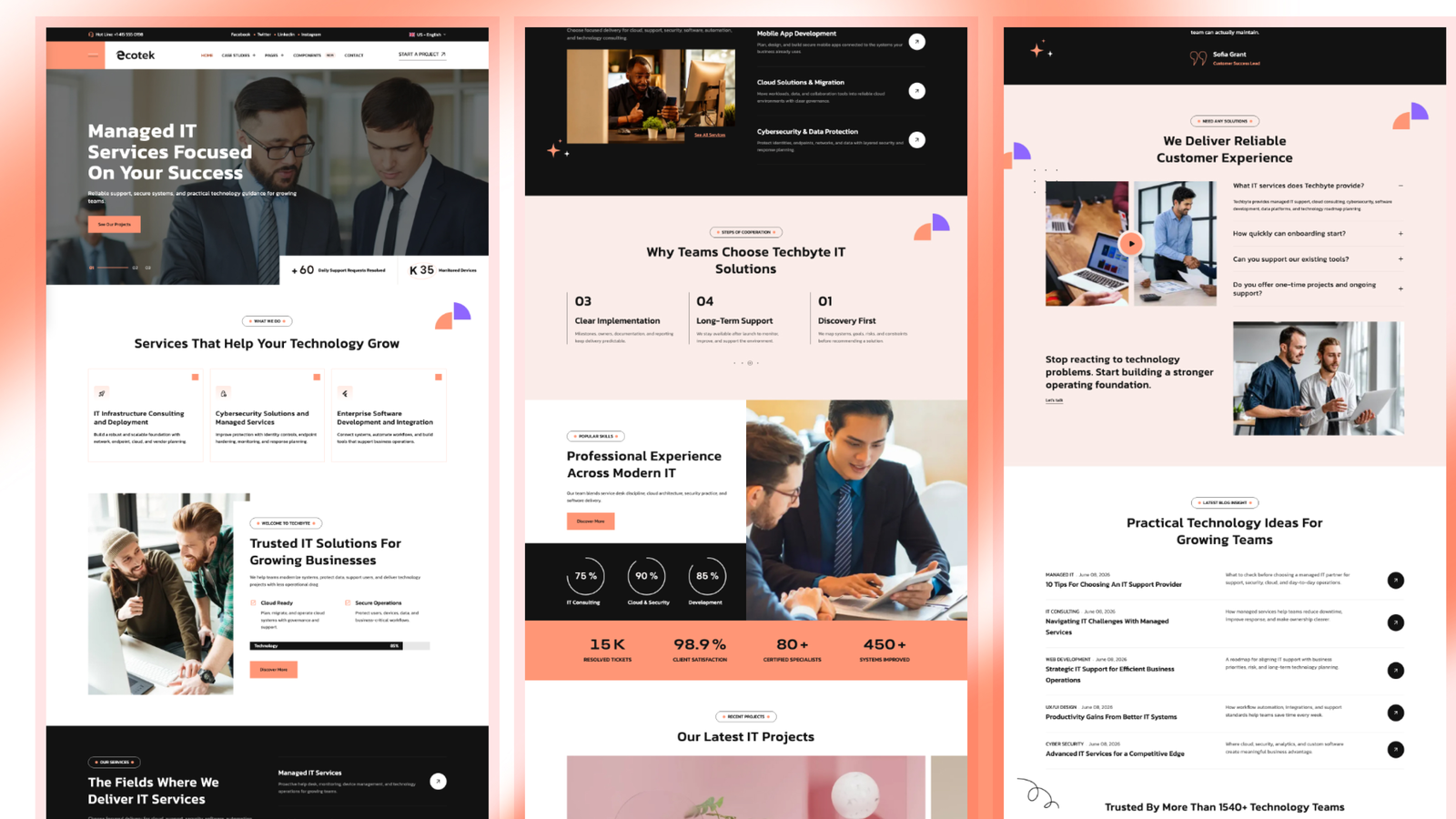
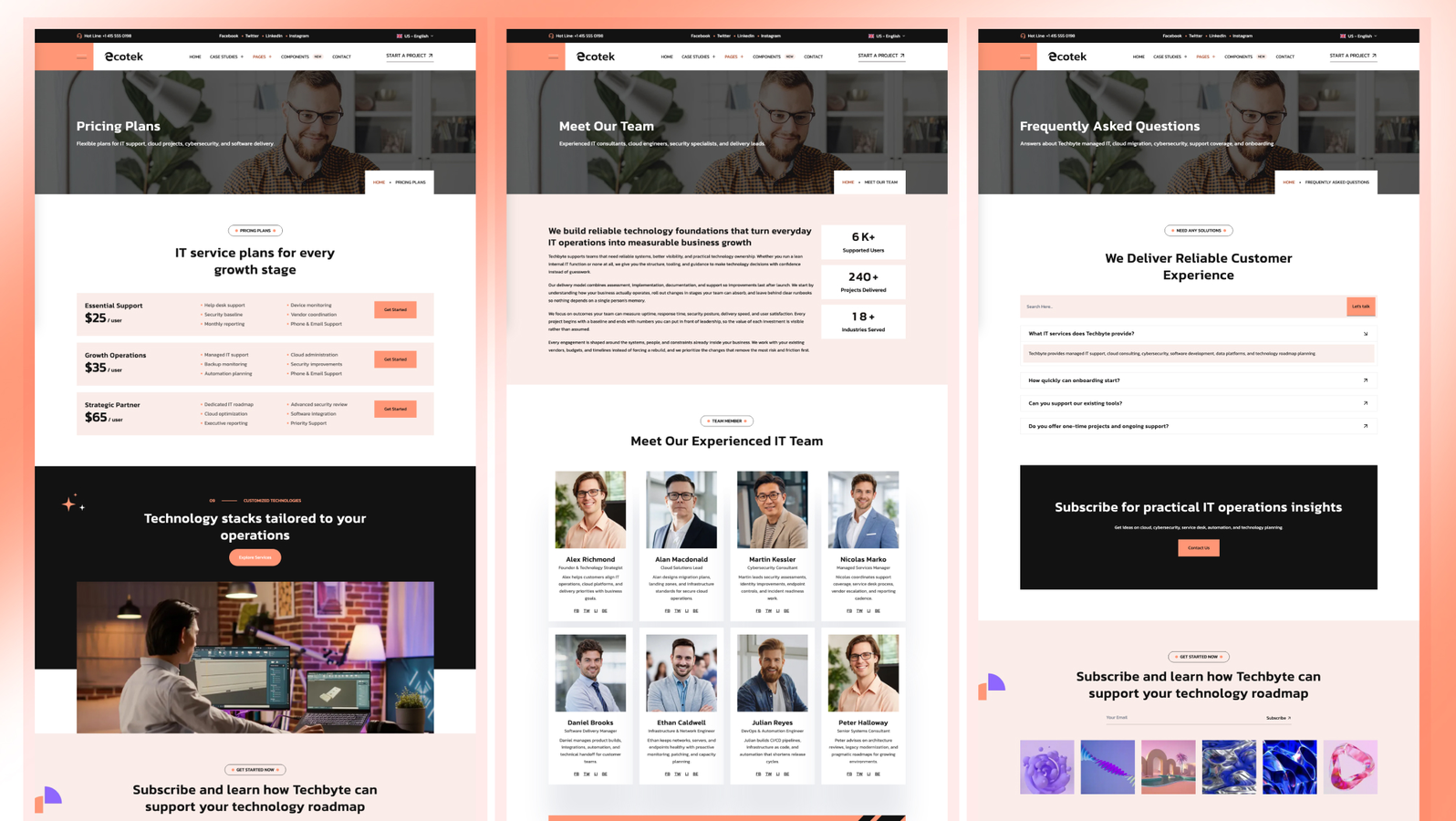
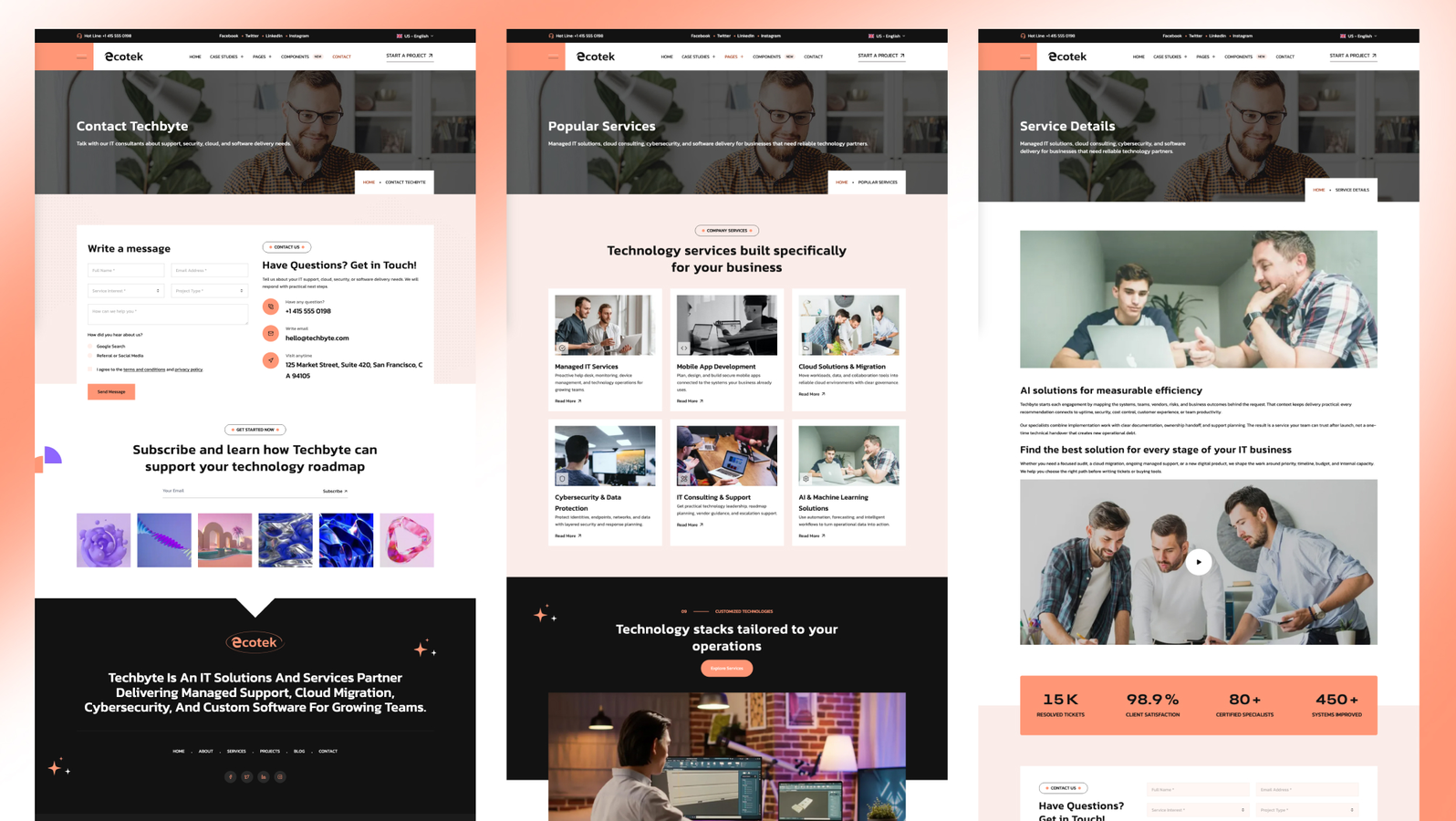
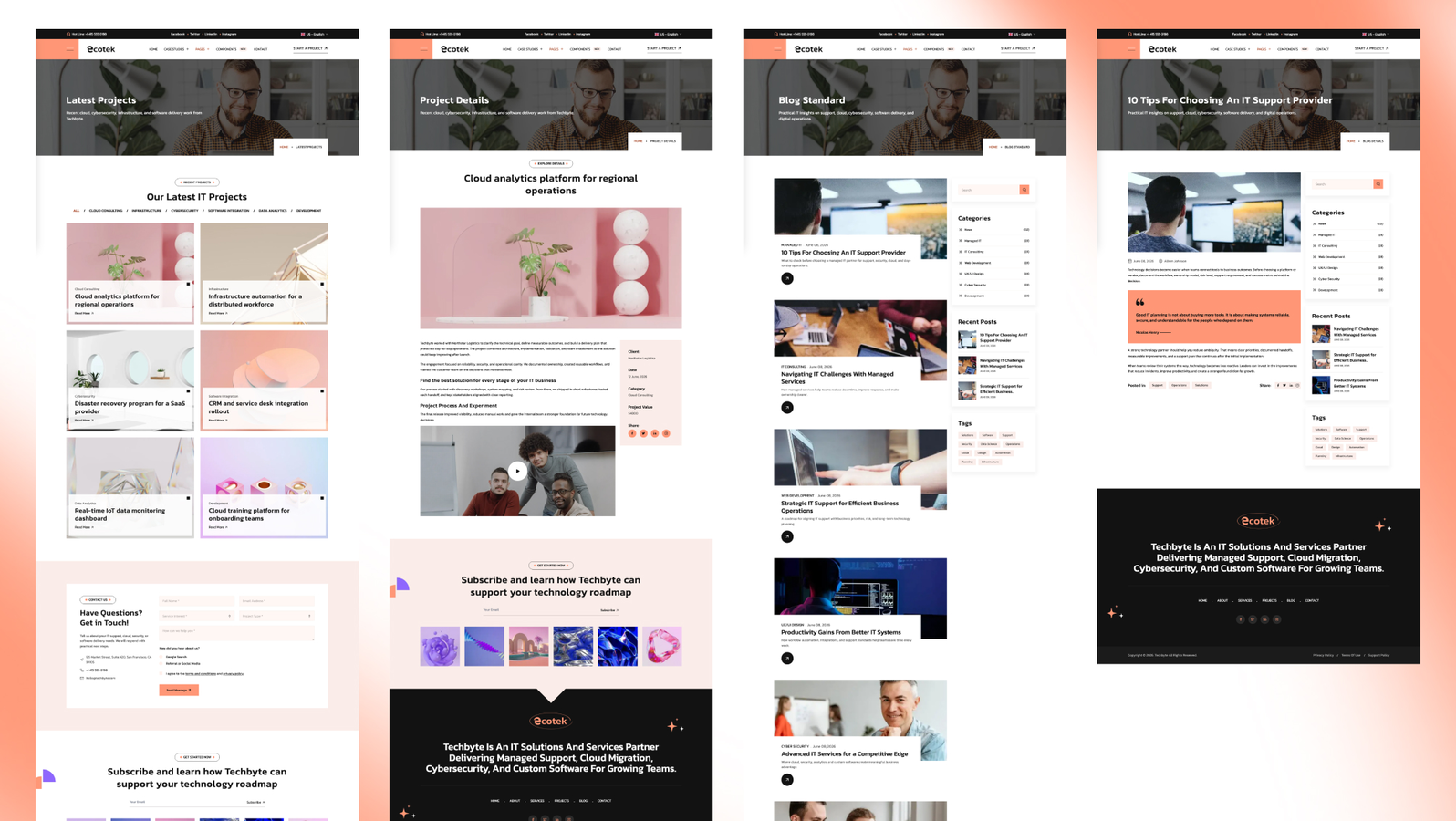

Techbyte is a paid Astro theme for managed IT service providers (MSPs), IT support companies and cybersecurity or infrastructure consultancies. It is built with Astro 7 and Tailwind CSS 4 and covers services, case studies organized by industry, team, pricing, FAQ, blog and contact, in English and French.
It costs $79 with a license for 5 projects, or comes with every premium theme in the All Access Pass from $99.
At a glance
- Price and license: $79 one-time, 5 projects. Or included in the All Access Pass.
- Built with: Astro 7.2, Tailwind CSS 4.3, Preline, Swiper, Motion, Lenis and Lucide icons
- Size: 2 homepages, 22 pages, 33 sections
- Languages: English and French. One command removes French.
- Figma file: no
- PageSpeed on the live demo: 100 in all four categories on desktop
- Output: static site for any static host
- Released: July 2026
Use cases
Managed IT service providers (MSPs). The homepage opens with a slider and a stats bar, then leads into services, case studies, team and pricing, so a visitor sees what you support and proof that you deliver.
IT support and helpdesk companies. Service pages explain each support plan, and the FAQ and pricing pages answer the questions buyers ask before they call.
Cybersecurity and infrastructure consultancies. Case studies show the work behind each claim, and the blog supports security guides and updates.
IT firms that serve specific industries. The industries mega menu groups case studies by sector, such as healthcare, construction or manufacturing, so a visitor finds proof from their own industry in one click.
Pages included
- Home and Home Two (the second with a darker, offcanvas header)
- About and Team
- Services and service detail pages
- Projects / case studies and project detail pages
- Pricing and FAQ
- Blog, blog post, category and tag pages with pagination
- Contact
- Components page (style reference)
- Privacy Policy, Terms & Conditions and a 404 page
Features
- Industries mega menu for case studies, plus multi-level dropdowns, menu badges and an offcanvas panel with contact details
- Hero slider with synced background and content layers, numbered pagination and a stats bar
- Per-page critical CSS built automatically, a preloaded hero image and scripts that load at idle
- Icons rendered at build time, so no icon bundle ships to the browser
- Sticky header, form provider, smooth scroll, animation, Mailchimp, contact details and SEO defaults set in config.toml
- Contact form for Formsubmit, Formspree or Netlify Forms, switched in config; Mailchimp subscription form
- Lenis smooth scrolling with a reduced-motion safeguard, scroll reveal, animated counters and button hover effects
- Content stays visible without JavaScript; animations never hide it
- Accessibility: WCAG AA contrast, visible keyboard focus and labels that match on-screen text
- SEO: sitemap, robots.txt, Open Graph and Twitter cards, JSON-LD, canonical URLs and per-page overrides
- Markdown and MDX with Shiki highlighting and an optional table of contents
- Colors set as tokens in theme.css; Kanit and Syne fonts by default
Customize with AI coding tools
Techbyte includes AGENTS.md with the project rules, SKILLS.md with recipes for adding a section, page or language, rebranding the palette and configuring forms, CLAUDE.md for Claude, and rules for Cursor and GitHub Copilot. Settings, menus and page text live in config, JSON and content files, so most changes are content edits.
Not included
- An online store or checkout.
- Client portals, ticketing or live status data.
- A documentation system.
- A CMS. Content lives in files in your repository.
- A Figma file.
When to choose another theme
- You are a portfolio-led software agency that wants three homepage styles and a masonry project showcase: Techlo.
- You are a broader multi-service consultancy that leads with case studies: Lumio.
- You want a more formal advisory or consulting site with less technology framing: Looka.
- You sell software products or development services more than IT support: Veltro.
FAQ
How do the industry case studies work? Each case study belongs to an industry. The industries mega menu lists those industries with an icon, a description and a link, so visitors browse proof by sector.
Can I run the site in English only? Yes. Run npm run remove-multilingual to remove the French files, and npm run generate-multilingual-content to add the second language back later.
Where do contact form messages go? To Formsubmit, Formspree or Netlify Forms. You choose the provider in config.toml, so switching does not mean rewriting the form.
Do I need to tune performance myself? No. The build inlines the critical CSS for each page and loads the full stylesheet after the page paints. The live demo scores 100 in all four PageSpeed categories on desktop.
Can I turn off the animations? Yes. Smooth scrolling and scroll animations are switched on or off in config.toml, and they respect the visitor's reduced-motion setting.