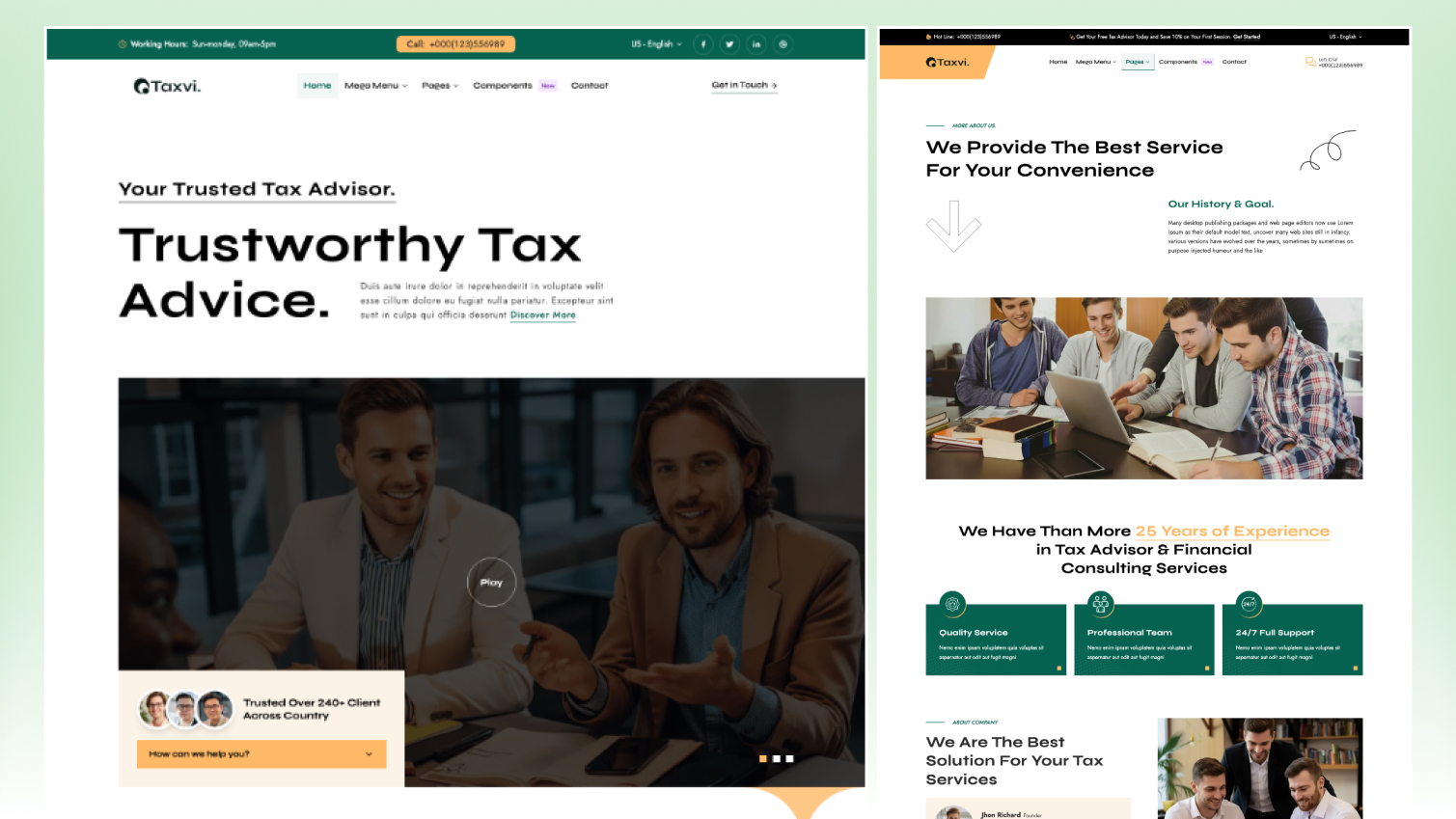
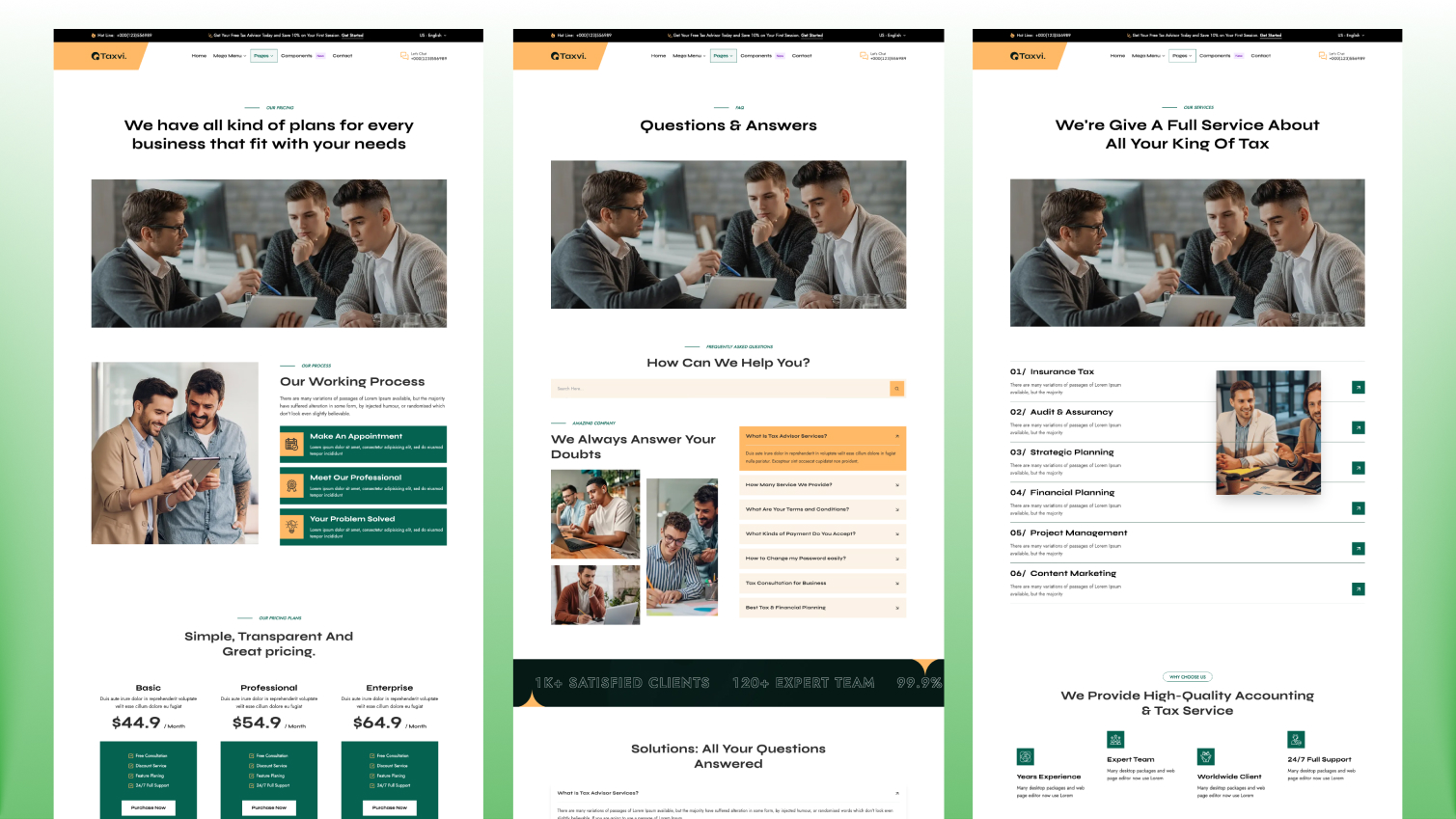


Taxo is a paid Astro theme for tax advisors, accounting practices, bookkeeping services and financial consultants. It is built with Astro 7 and Tailwind CSS 4 and covers the pages a firm needs to win trust and get consultation requests: services, pricing, case studies, team, FAQ, blog and contact, in English and French.
It costs $79 with a license for 5 projects, or comes with every premium theme in the All Access Pass from $99.
At a glance
- Price and license: $79 one-time, 5 projects. Or included in the All Access Pass.
- Built with: Astro 7.2, Tailwind CSS 4.2, Preline, AOS, Motion and Swiper
- Size: 2 homepages, 19 pages, 34 sections
- Languages: English and French. One command removes French.
- Figma file: no
- PageSpeed on the live demo: 100 on desktop in all four categories; 99 mobile performance and 100 for the rest
- Output: static site for any static host
- Released: April 2026
Use cases
Tax advisory and tax planning firms. Service pages explain each kind of tax work in plain language, and the FAQ answers the questions visitors ask before they call. A header button such as "Book a Consultation" sends them to the contact form.
Accounting and bookkeeping practices. Service and pricing pages show what each package includes, and case studies show results for businesses like the visitor's.
Payroll, compliance and audit teams. The mega menu and multi-level dropdowns hold a long list of services without crowding the header.
Financial consultants. Team pages, testimonials and case studies show who does the work, and the blog supports guides and updates for search.
Pages included
- Home and Home Two
- About and Team
- Services and service detail pages
- Pricing
- Case studies and case study detail pages
- Blog, blog post, category and tag pages
- FAQ and Contact
- Components page (style reference)
- Privacy Policy, Terms & Conditions and a 404 page
Features
- Mega menu, multi-level dropdowns, offcanvas header content and menu badges, set in one JSON file per language
- Sticky header, header button, form provider, Mailchimp and SEO defaults set in config.toml
- Contact form for Formsubmit, Formspree or Netlify Forms, switched in config, with configurable subject fields
- Mailchimp newsletter subscription block
- Markdown and MDX content with Shiki code highlighting and an optional table of contents
- Content collections for services, case studies, blog and sections
- English and French content, menus and routes; one command removes French and another generates it again
- SEO: sitemap, robots.txt, Open Graph metadata, language-aware routing and per-page SEO fields
- Semantic markup and static page generation
- Locally generated fonts, Jost and Syne by default
Customize with AI coding tools
Taxo includes AGENTS.md, CLAUDE.md, GEMINI.md, SKILLS.md with recipes for adding a section or page, rebranding, managing languages and adding an icon, and rules for Cursor, GitHub Copilot and Windsurf. Settings live in config and JSON files and page text in content collections, so most changes are content edits.
Not included
- Client portals, document upload or online payments. Forms send messages to your form provider.
- Online booking with a calendar. The consultation button links to the contact form.
- A CMS. Content lives in files in your repository.
- A Figma file.
When to choose another theme
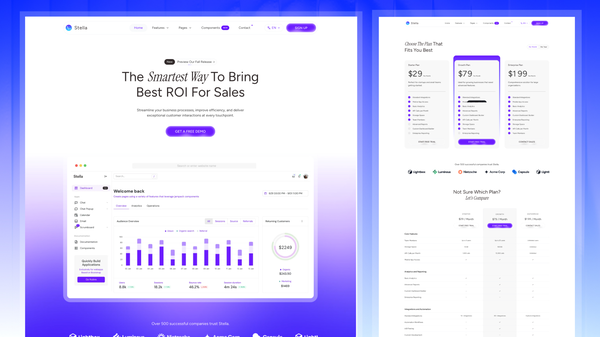
- You sell finance software, payments or banking products rather than advisory services: Finzo.
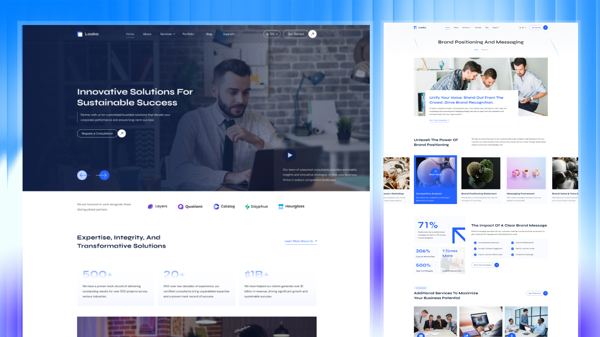
- Your firm is broader consulting first, not mainly tax or accounting: Looka.
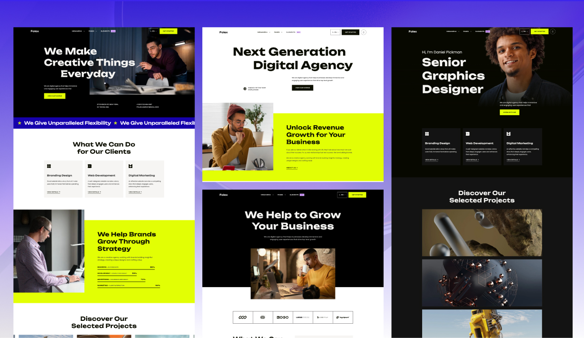
- You need a general service-company theme outside finance: Lumio.
- You are a startup launch team, a portfolio-led creative brand or an online store.
FAQ
Can I run the site in English only? Yes. Run npm run remove-multilingual and the French files are removed. Run npm run generate-multilingual-content to bring the second language back later.
Where do contact form messages go? To Formsubmit, Formspree or Netlify Forms. You choose the provider in config.toml, so switching does not mean rewriting the form.
Can I change the header button to "Book a Consultation"? Yes. The navigation button's label and link are set in config.toml.
How do I add more services to the menu? Add them to the menu JSON file for each language. The menu supports mega menus, nested dropdowns and badges without header code changes.
Can I publish guides and tax updates? Yes. The blog has category and tag pages, Markdown and MDX support, code highlighting and an optional table of contents for long posts.