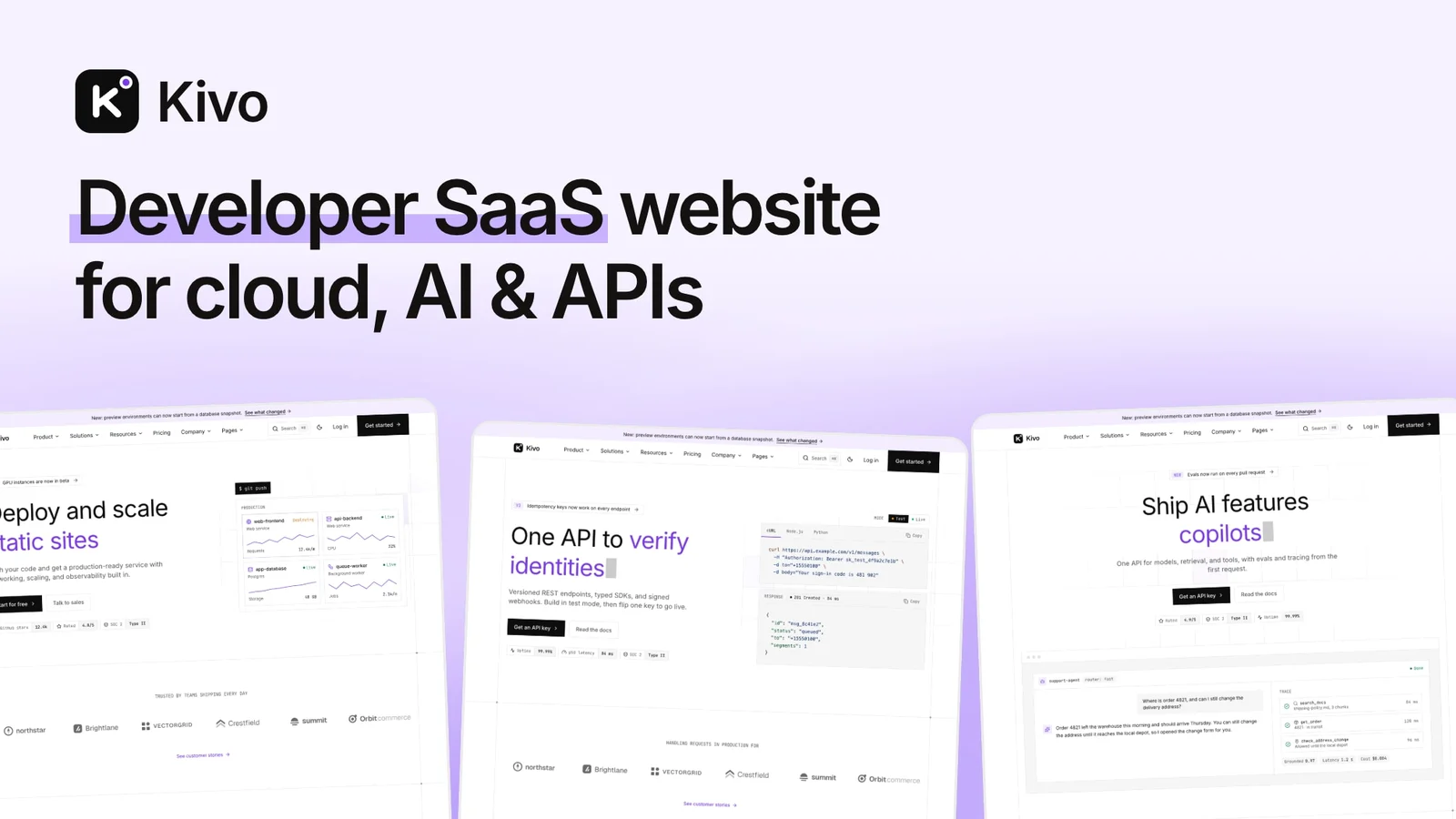

Kivo is a paid Astro theme for the marketing site of a developer-facing software product: a cloud platform, an API, an AI product, an analytics tool or a dev tool. It is built with Astro 7 and Tailwind CSS 4 and covers the site around the product, from four homepages to pricing, changelog, integrations, customer stories, security and status pages, in English and French, light and dark.
It costs $79 with a license for 5 projects, or comes with every premium theme in the All Access Pass from $99.
At a glance
- Price and license: $79 one-time, 5 projects. Or included in the All Access Pass.
- Built with: Astro 7.3, Tailwind CSS 4.3, Pagefind, Preline, Lenis and Lucide icons
- Size: 4 homepages, 32 inner page designs, 52 section components
- Layouts: 14 sections with 2 to 5 layouts each, plus 3 header and 3 footer layouts
- Languages: English and French. One script removes French.
- Figma file: no
- Output: static site for Netlify, Vercel, Cloudflare Pages or any static host
- Released: October 2026
Use cases
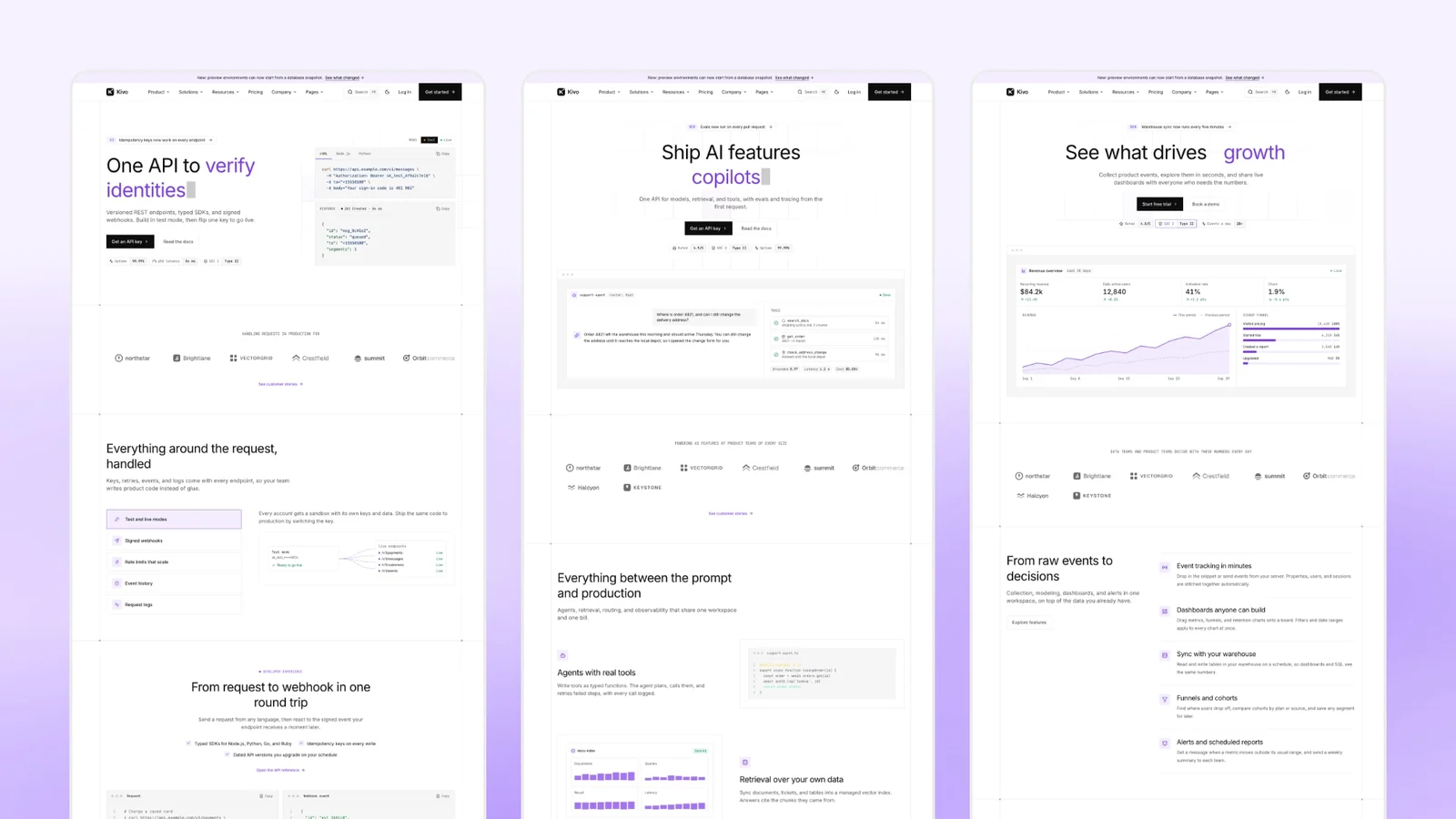
API product websites. The API homepage types a sample request in cURL, JavaScript or Python and streams the JSON response below it. It adds side-by-side request and response code, feature tabs and a usage-based pricing estimator.
AI product websites. The AI homepage opens with an animated agent run, then alternating features, steps, a scrolling quote wall and usage-based pricing.
Developer tools and cloud platforms. The main homepage has a deploy hero, platform overview, regions, templates and security. For a CLI, switch the hero to an animated terminal with one setting.
Data and analytics SaaS. The analytics homepage has a dashboard hero, sticky feature panels, metrics, a customer spotlight and compact pricing.
Pages included
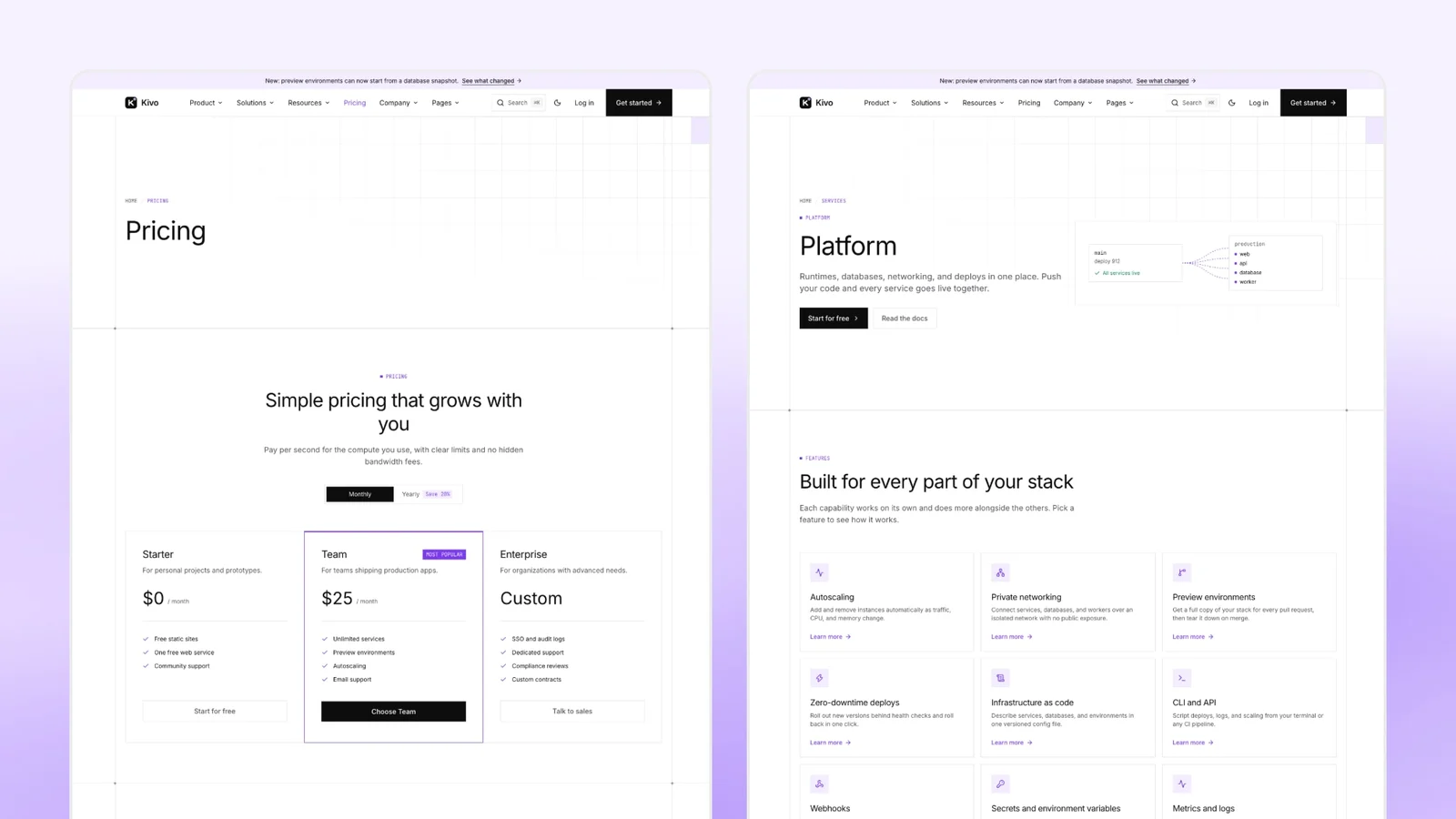
- Pricing with a monthly and yearly toggle, a plan comparison table and an optional usage estimator
- Features overview and feature pages in 4 templates: default, API, guide and showcase
- Solutions overview and solution pages
- Integrations directory with category filter, search and a page per integration
- Compare overview and comparison pages
- Customer stories with a featured story, and a testimonials wall
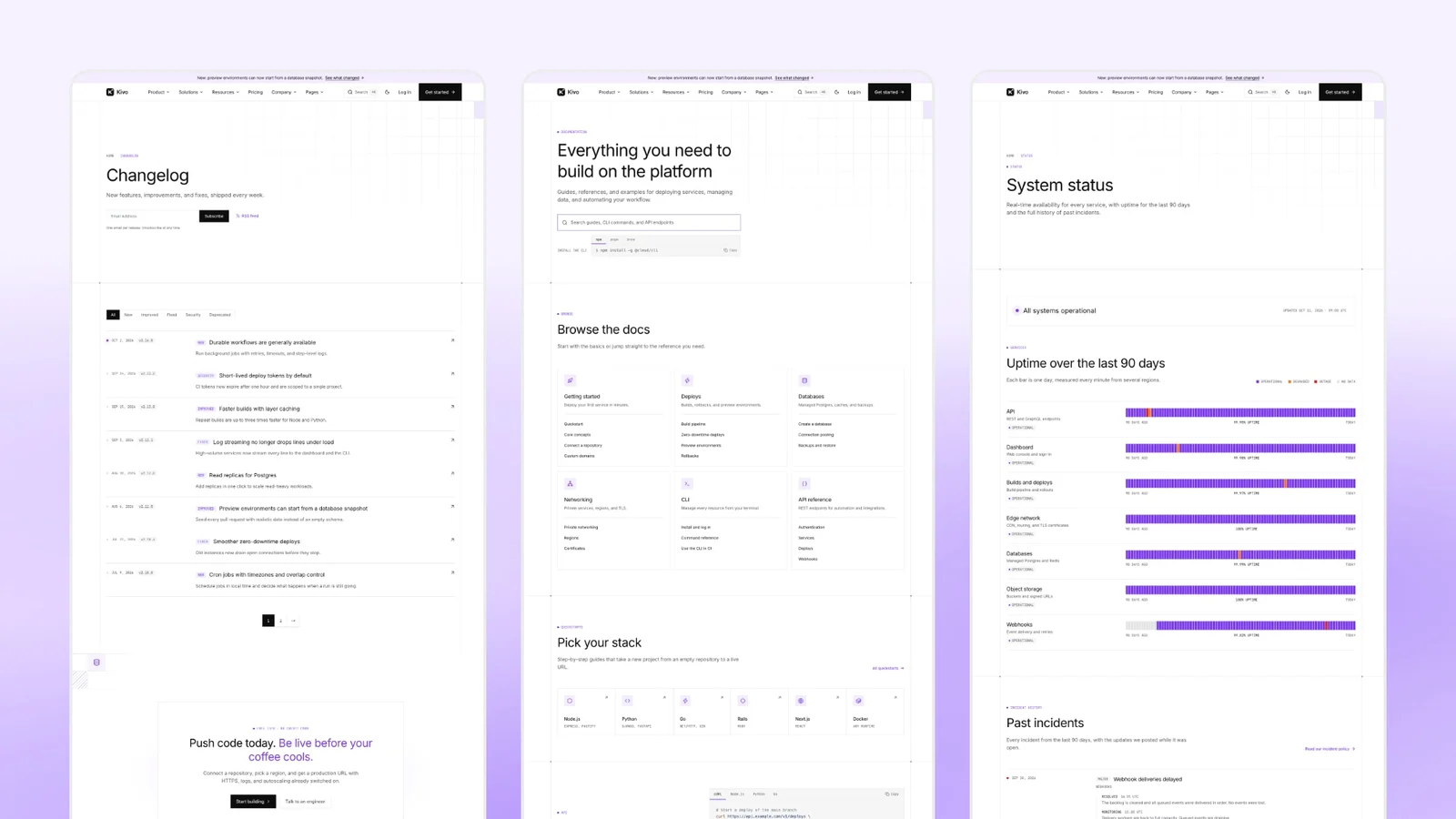
- Changelog with release pages, tags, pagination and RSS
- Blog with authors, reading time, related posts, categories, tags and RSS
- Docs landing page that links to your own documentation site
- Security and trust page, and a status page template
- About, team with member pages, careers with job pages, community and contact sales
- Log in, sign-up and password reset page designs
- Privacy, terms and cookie policy layouts, FAQ and a 404 page in each language
- A layout gallery that previews each section's layouts
Features
- Section layouts chosen with one value in a content file, no code changes
- Light and dark mode that follows the system setting, with a toggle
- Site search (Cmd+K) built with Pagefind, covering both languages, no external service
- Code blocks with syntax highlighting, a copy button and npm, pnpm, yarn and bun tabs
- SEO: canonical and Open Graph tags, a share image per page, sitemap, hreflang and RSS
- JSON-LD for your organization, pages, breadcrumbs, blog posts, job postings, FAQ and pricing
- AI search: llms.txt, a Markdown copy of each page, a Copy page and Ask AI menu, and robots.txt switches for AI crawlers
- Cookie consent that holds analytics and marketing scripts until the visitor accepts
- Contact forms for Formsubmit, Formspree or Netlify Forms; Mailchimp newsletter forms
- Announcement bar, mega menu, 3 header and 3 footer layouts
- MDX shortcodes for posts: callouts, steps, tabs, file trees and keyboard keys
- Self-hosted fonts; no third-party scripts load by default
- Keyboard focus rings and reduced-motion support
- Site settings, colors and menus each in one file: config.toml, theme.css and one menu file per language
Customize with AI coding tools
Kivo includes AGENTS.md, CLAUDE.md, GEMINI.md, rules for Cursor, GitHub Copilot and Windsurf, and SKILLS.md with recipes for adding pages, switching layouts, adding a language and rebranding. Text, menus and section options live in Markdown, TOML and JSON files, so most changes are content edits.
Not included
- A documentation system. The docs landing page links to your own docs site.
- Sign-in, accounts and billing. The auth and pricing pages are designs with no auth or checkout code.
- A CMS. Content lives in files in your repository.
- Live status data. The status page is a static template.
- Right-to-left languages and a Figma file.
When to choose another theme
- Your docs must live inside the same site: choose a docs theme.
- Your SaaS is not developer-facing and you want a general B2B product site with a Figma file: Stella.
- You are pre-launch and need a smaller page set: Upstart.
- You are building a banking or finance app: Finzo.
- You sell development or agency services rather than a product: Veltro.
FAQ
Can I keep my docs on Mintlify, Docusaurus or Starlight? Yes. Kivo has no docs system of its own. Set your docs URL in config.toml and the docs landing page and its links point to your docs site, wherever it is hosted.
Does the pricing page support usage-based pricing? Yes. The plans section has a usage layout: a calculator that adds metered usage to the featured plan's monthly price. The pricing page also has a monthly and yearly toggle and a plan comparison table.
Can I connect the sign-up page to Clerk, Auth0 or Supabase? The log in, sign-up and password reset pages are designs with no auth code. Point each OAuth button to your provider's sign-in endpoint and the form to your backend or your provider's hosted page.
Can the status page show live uptime? Not by itself. The status page is a static template with sample services, 90-day uptime bars and incidents. Edit it by hand, or link to your status provider instead.
Can I run the site in English only, or add a language? Yes. One script removes French. To add a language, add it to the language config and copy and translate the English content, menu and interface files; SKILLS.md has the steps.
What do I need installed? Node.js and npm. Install with npm ci, preview with npm run dev and build with npm run build.