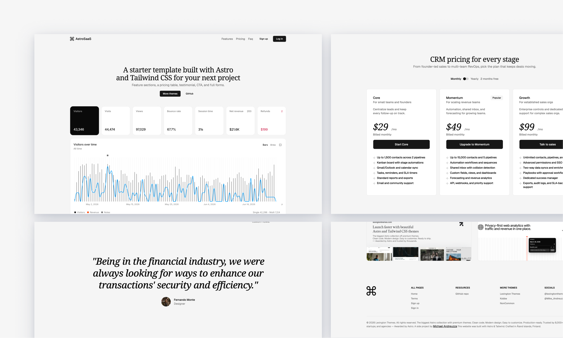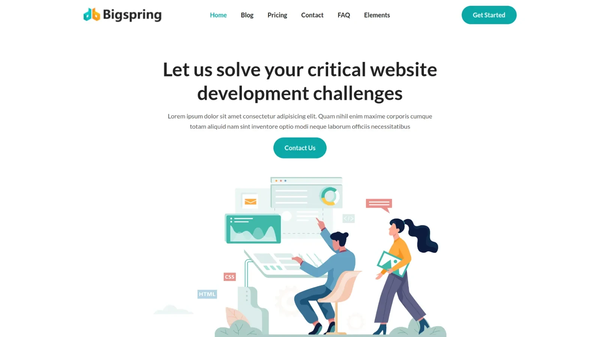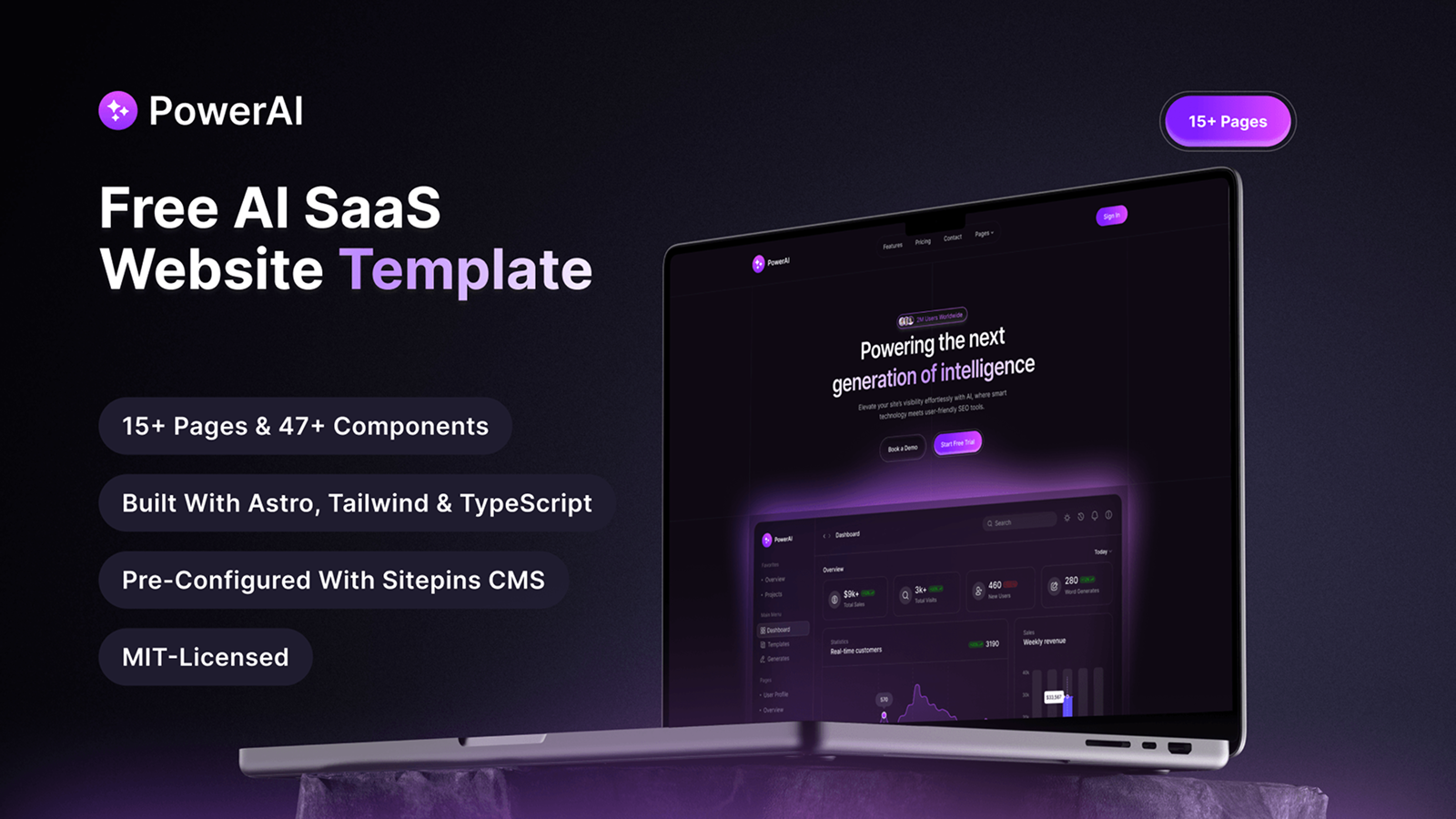

PowerAI Astro is a free, dark-themed website template built with Astro 6, Tailwind CSS 4, TypeScript, and React 19. It ships with 16 pre-built pages, 47 components and shortcodes, and Framer Motion animations. Designed for AI startups and SaaS teams that need a complete, launch-ready web presence without writing boilerplate from scratch.
This template is made by Sitepins CMS, a Git-based headless CMS built for static site frameworks like Astro, Hugo, and Next.js. It comes pre-configured with Sitepins, so you can manage content visually without touching a single line of code.
Key Features:
- 16 pre-built pages covering every section a modern AI SaaS product needs
- 47 components, partials, and shortcodes including pricing tables, video modals, and testimonials
- Framer Motion v12 animations for scroll-triggered reveals and micro-interactions
- Built with Astro 6, Tailwind CSS 4, TypeScript, and React 19
- MDX shortcodes for accordions, tabs, notices, and video players in content
- Git-based CMS integration via Sitepins for visual editing without touching code
- Pre-configured for Cloudflare Workers, Netlify, Vercel, and Docker
- Fully responsive across all modern devices
- JSON-based config for colors, fonts, navigation, social links, and SEO meta tags
- Astro Content Collections for type-safe blog posts, case studies, careers, and integrations
- Free Google Fonts and React Icons included
- MIT licensed for personal and commercial use
Pages Included:
- Home
- Pricing
- Features
- Changelog
- About Us
- Contact
- Blog
- Blog Details
- Careers
- Career Details
- Case Studies
- Case Study Details
- Integrations
- Integration Details
- Error (404)
- Regular Content Pages (Privacy Policy, Terms of Service)
Who Is This Template For:
- AI product founders and SaaS teams shipping tools, developer platforms, or AI products
- Agencies and freelancers building sites for AI clients
- Developers who want a full-featured starting point with 47 components pre-built
- Content teams who need editorial control via Sitepins CMS without developer involvement
How to Get Started:
- Clone or download the repository from GitHub
- Run yarn install to install dependencies
- Run yarn run dev to start the local development server
- Update src/config/config.json with your site name, base URL, and favicon
- Edit src/config/theme.json to set your brand colors and fonts
- Replace placeholder content in src/content/ with your pages, posts, and case studies
- Run yarn run build and deploy to Cloudflare Workers, Netlify, or your preferred platform