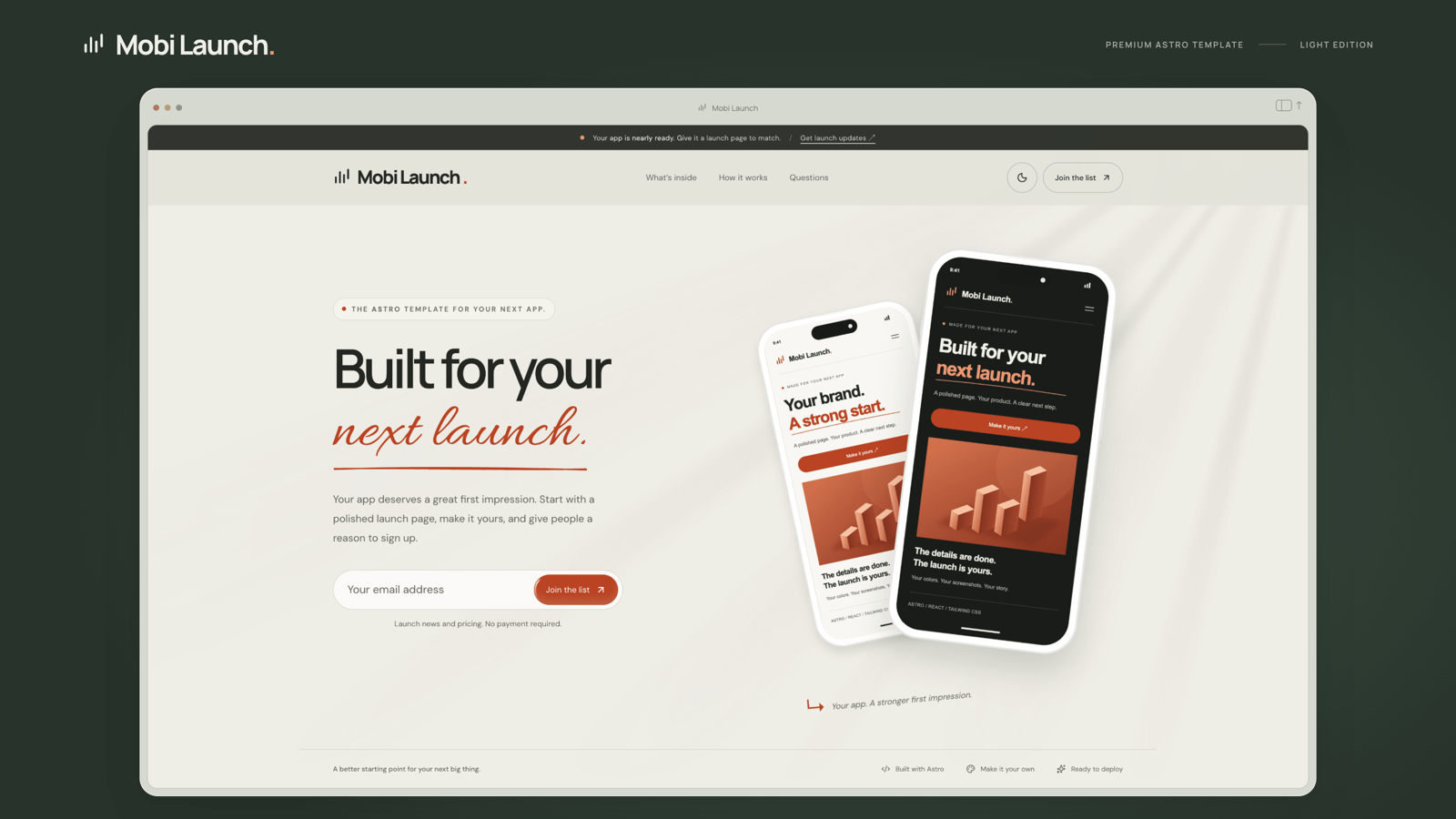
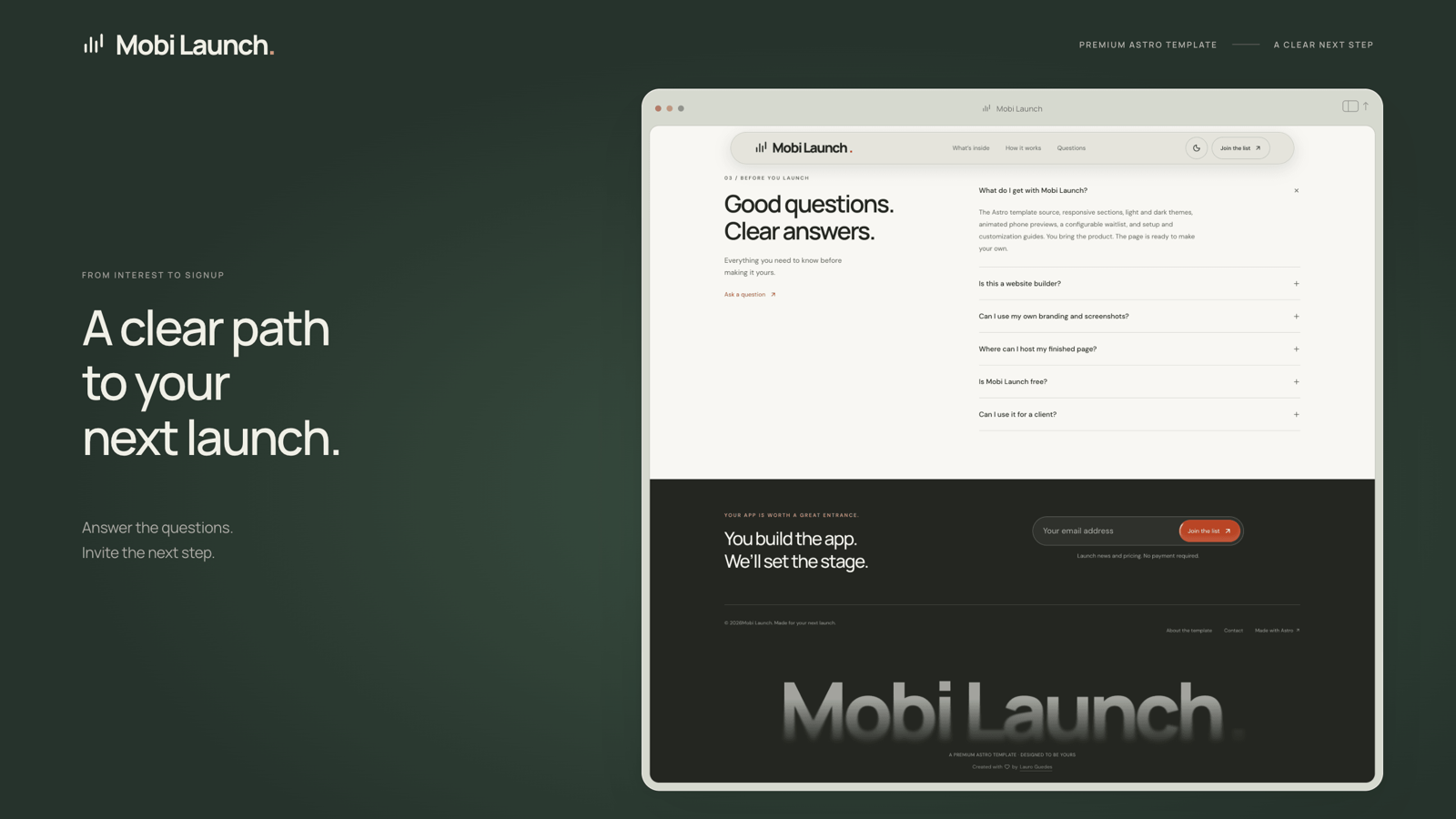
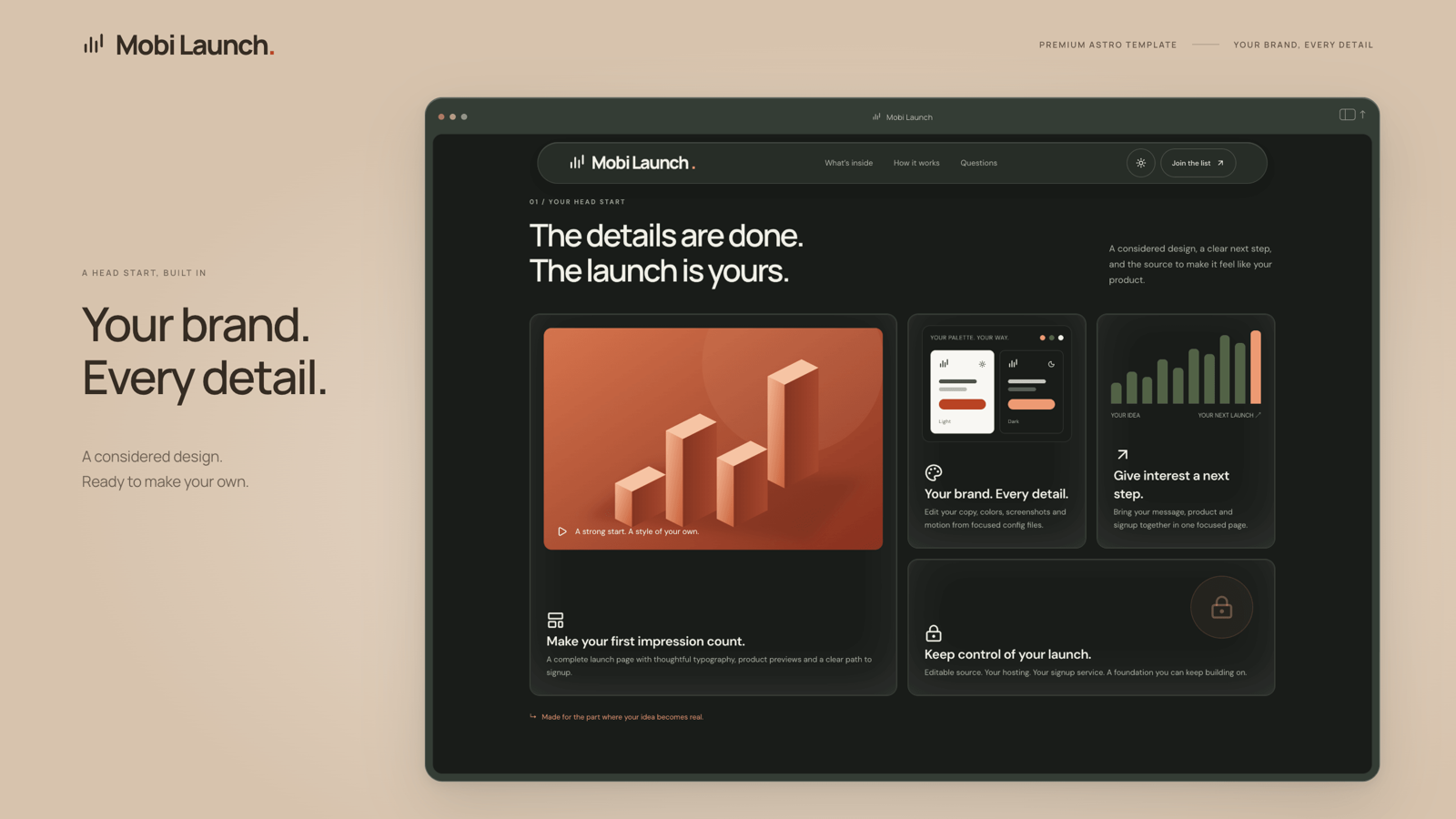
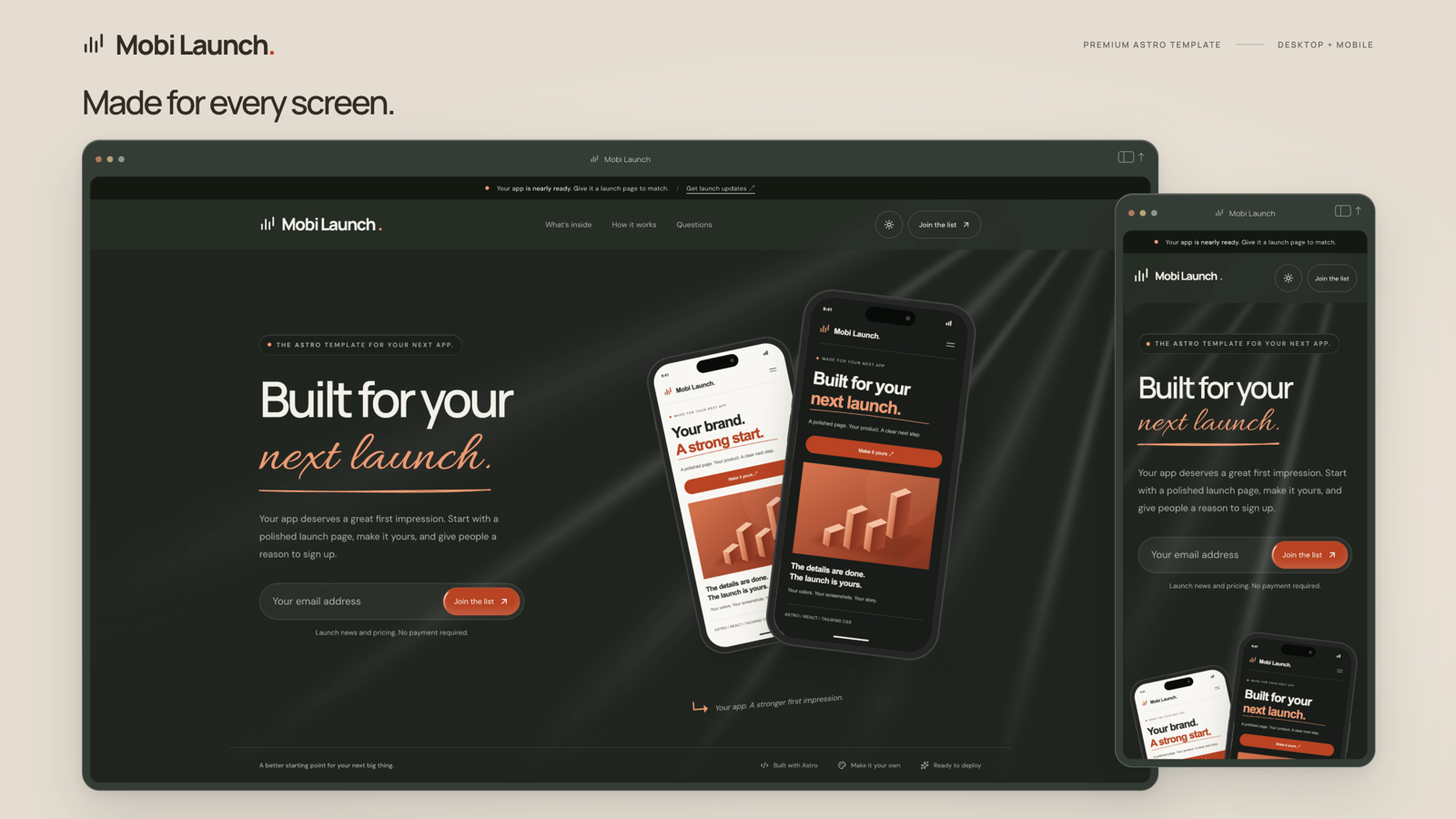

Mobi Launch is a premium Astro landing page template for mobile apps, software products, and pre-launch waitlists. Give your product a considered first impression with expressive typography, layered phone previews, and a clear path to signup.
Built with Astro 7, React 19, Tailwind CSS 4, TypeScript, and Magic UI, it combines a polished design with editable source and practical documentation. It’s a starting point for independent developers, founders, and agencies launching their own product or building for a client.
What’s included
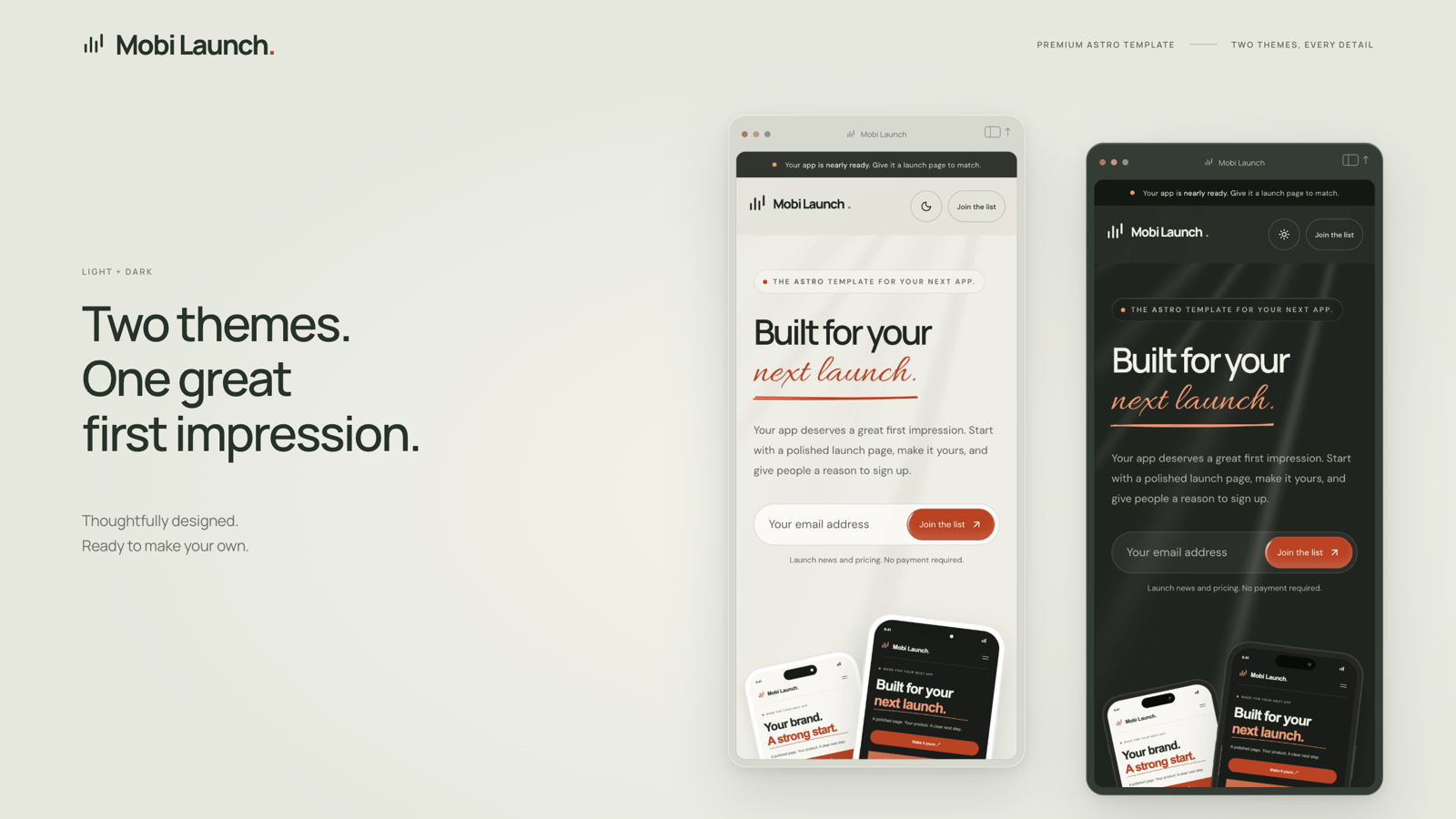
- Responsive layouts: A complete landing page designed for desktop, tablet, and mobile, including an announcement bar, hero, feature grid, workflow, FAQ, and final signup section.Light and dark themes:** Coordinated palettes with a theme switch and saved visitor preferences.
- Animated app previews: Replaceable phone screenshots, sequential entrances, and smooth mouse parallax.
- Considered motion: Scroll-triggered reveals, animated headline accents, shimmer buttons, a scrolling marquee, and smooth FAQ transitions, with reduced-motion support.
- Glass navigation: A translucent header that smoothly transforms into a floating pill as visitors scroll.
- Four background options: Choose a plain background, original light rays, Magic UI Light Rays, or Noise Texture.
- Flexible lead capture: Connect Formspree or configure the included Supabase and Google Sheets adapters. Setup examples and platform-specific email notification guides are included.
- SEO essentials: Configurable page metadata, canonical URLs, social previews, a generated sitemap, and locally hosted fonts.
Make it your own
Edit branding, navigation, page copy, section visibility, form messages, backgrounds, and animation settings through YAML files. Write FAQ answers in Markdown, validated through Astro’s native content collections.
Customize colors and typography through CSS theme tokens, replace the included images with your product screenshots, and extend the reusable Astro and React components when you need deeper changes.
Ready to deploy
Cloudflare Workers is configured as the default hosting option, with Vercel support and a portable static build also included. Step-by-step documentation covers installation, customization, deployment, domains, and lead capture configuration.