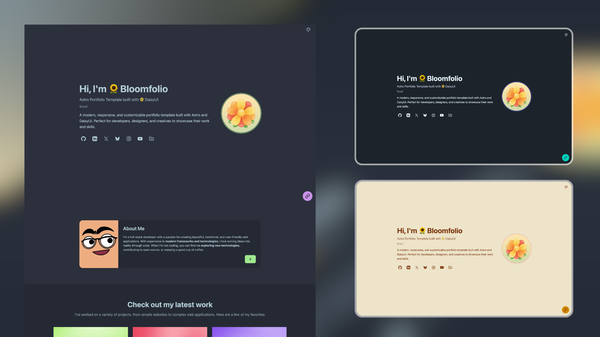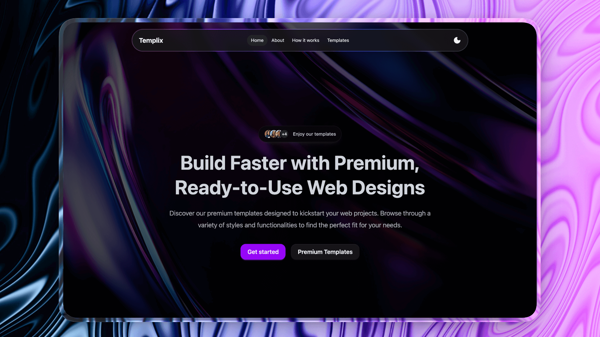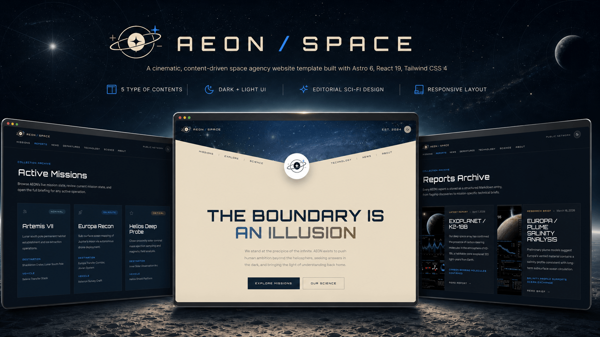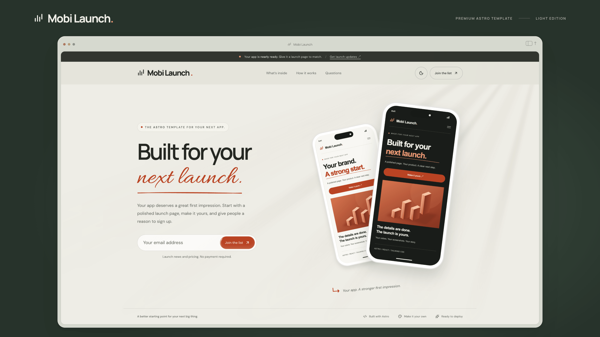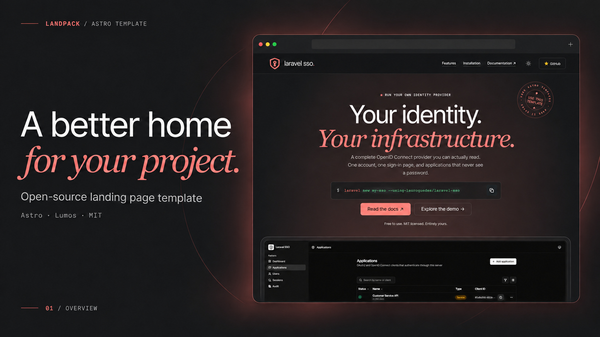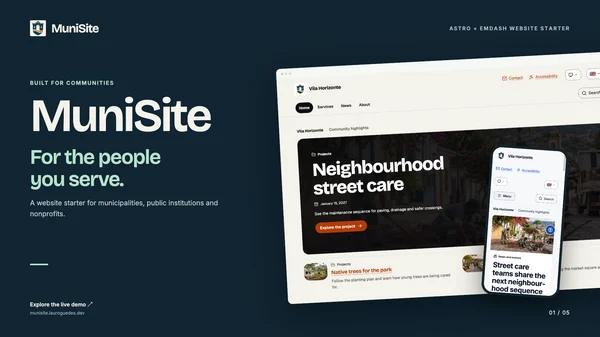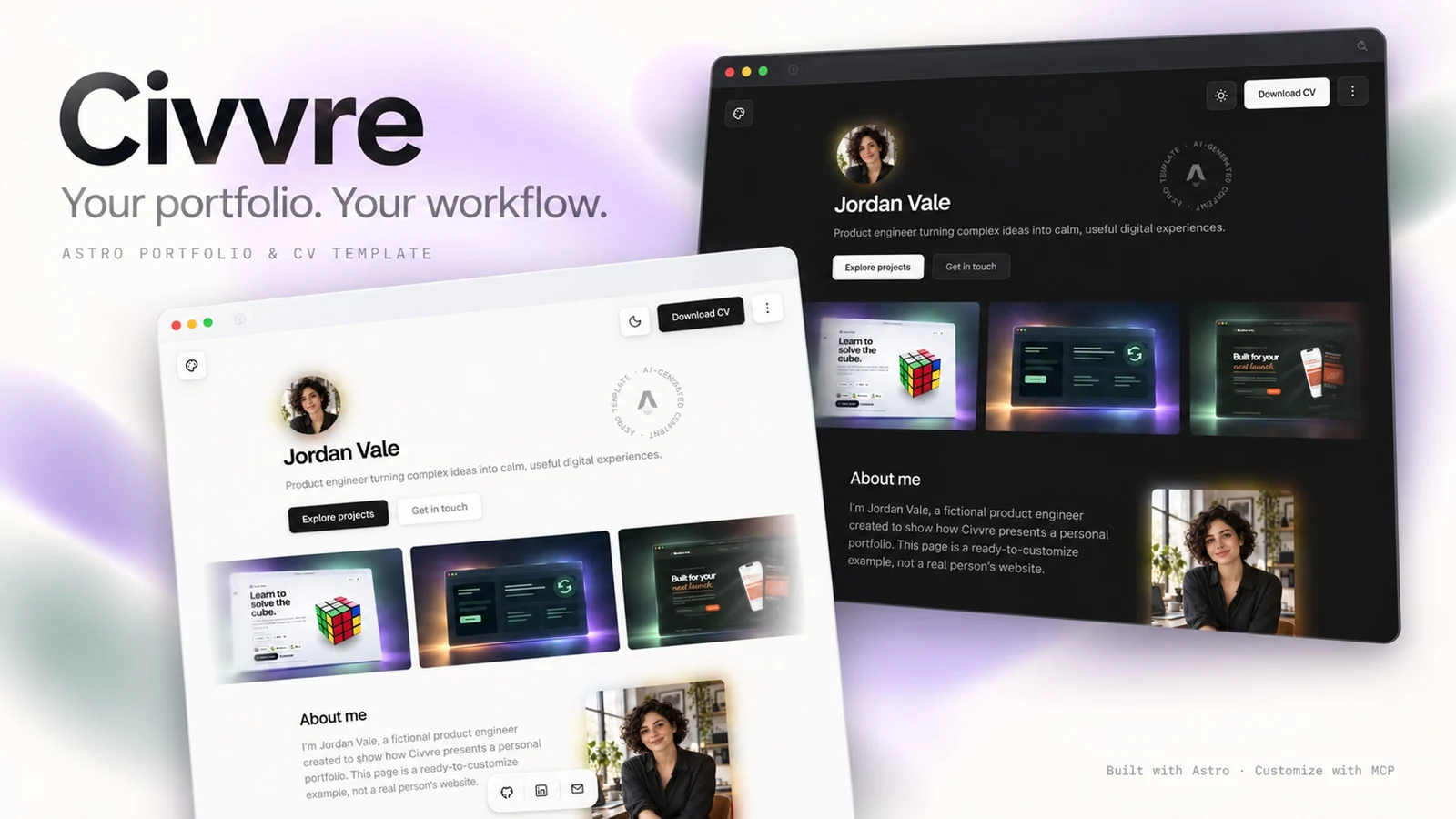
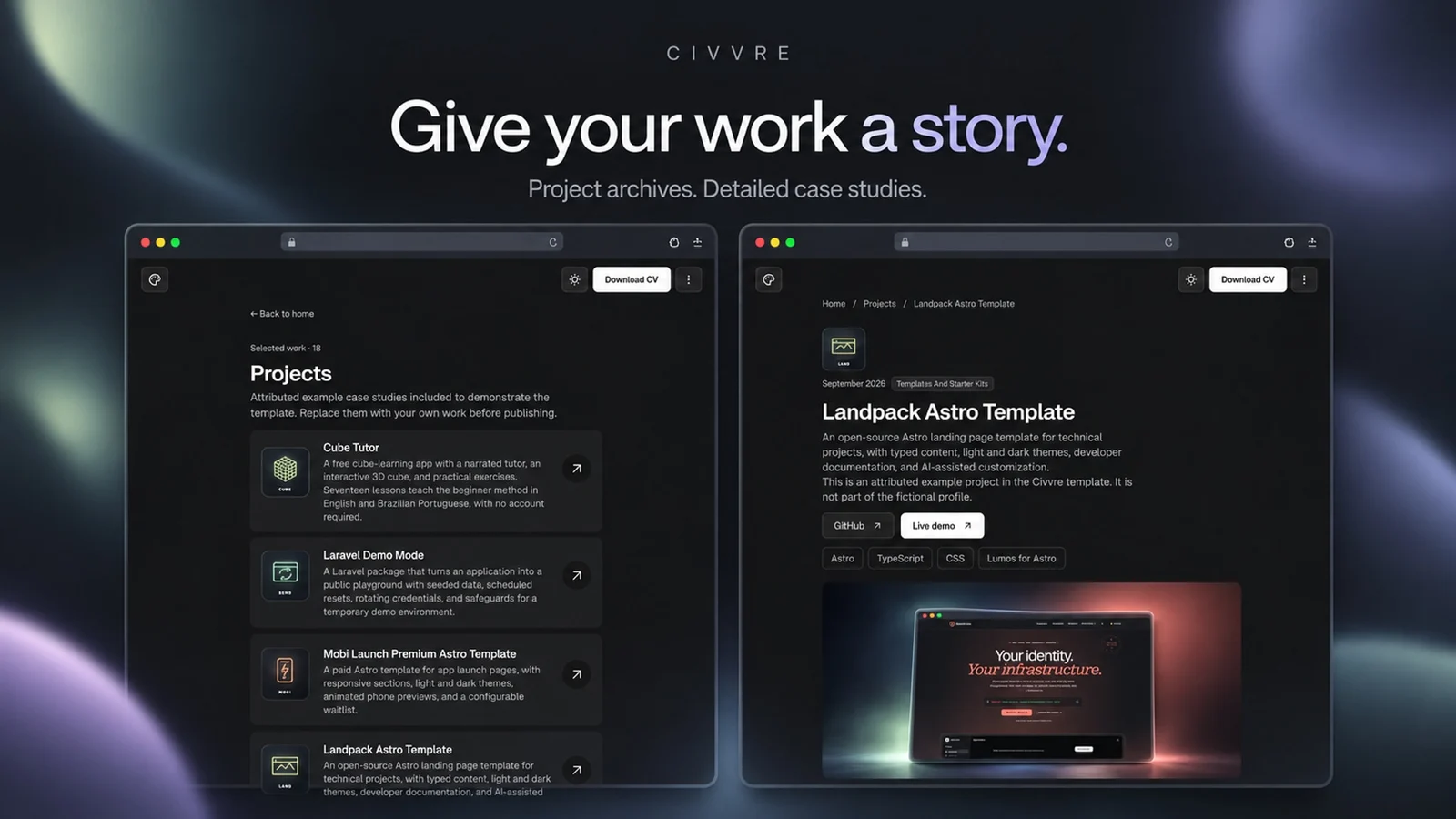
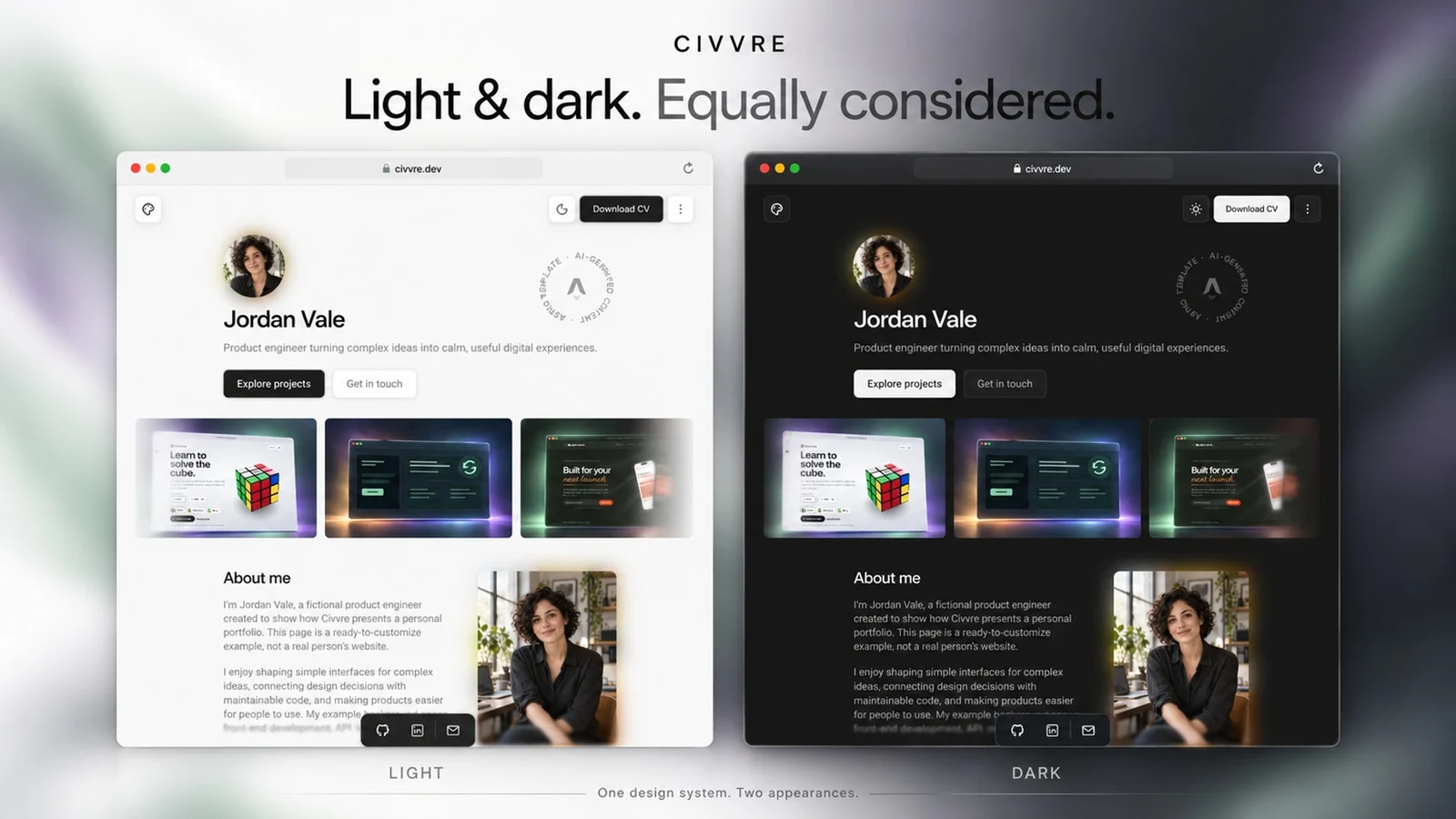
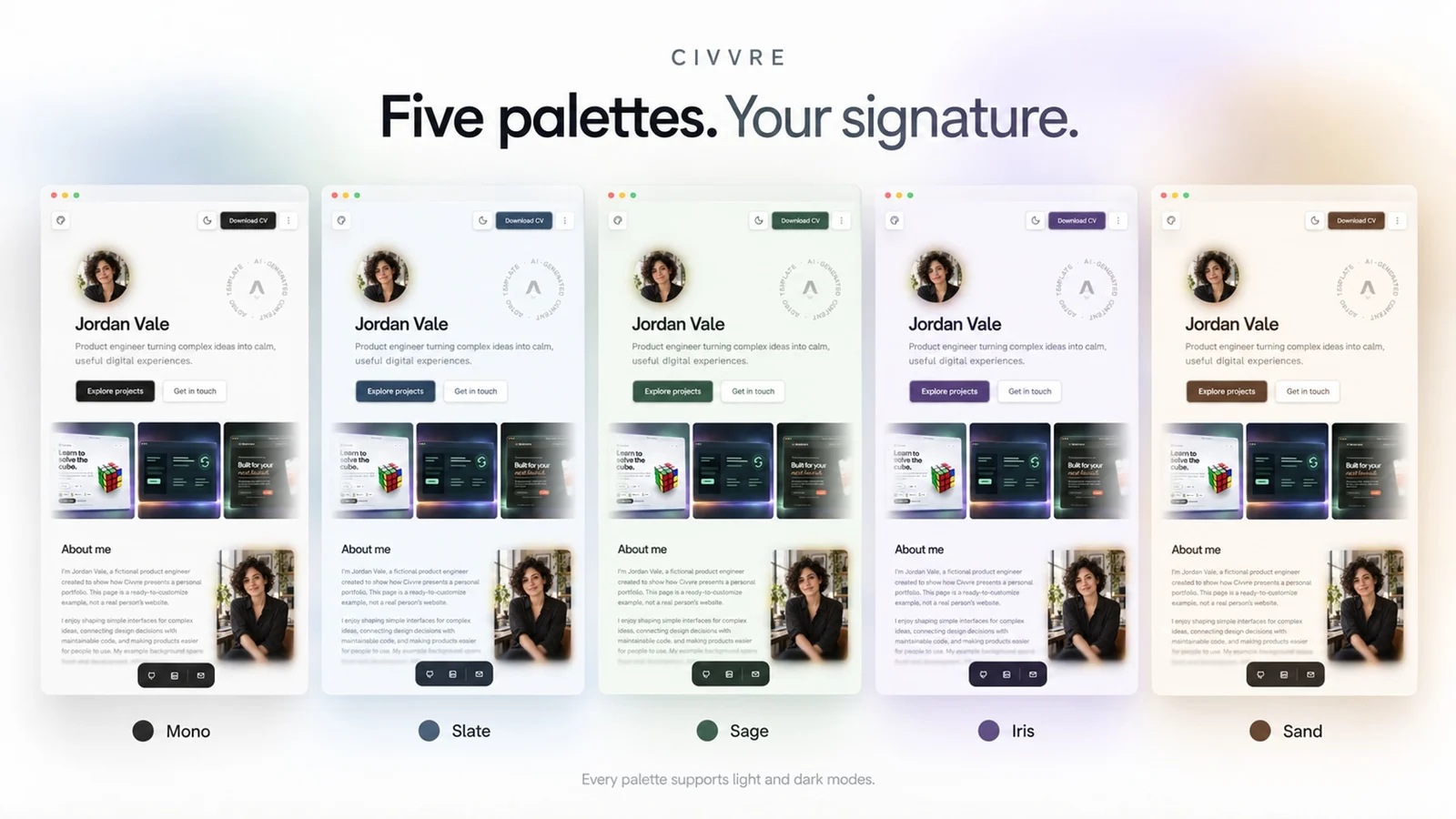

Showcase your projects, tell your story, and present your experience through a minimalist interface with soft blur transitions, thoughtful typography, and responsive layouts. Five color palettes—Mono, Slate, Sage, Iris, and Sand—each support light and dark modes, with visitor preferences saved locally.
Customize through files or AI
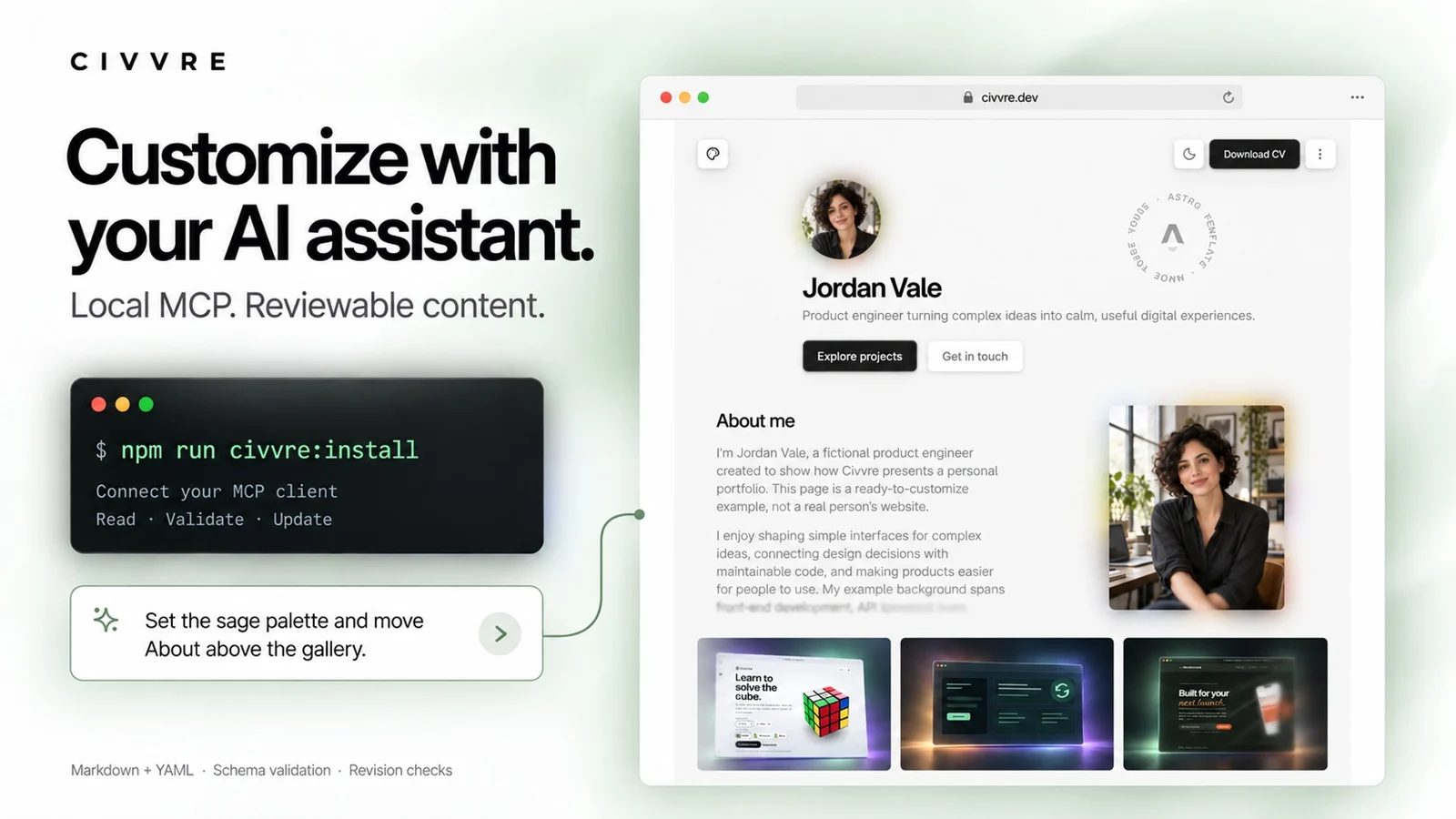
Start with `npm run civvre:install`. The guided terminal installer prepares dependencies, generates local MCP connection settings, and provides preview instructions and example prompts.
Connect a compatible AI assistant through MCP to update your profile, projects, experience, and settings. Six schema-aware tools validate changes, check revisions, and generate matching project logos. Your content stays in reviewable Markdown and YAML files, without requiring a hosted CMS.
What’s included
- Responsive homepage, paginated project archive, and detailed Markdown case studies
- Five palettes with light and dark modes and a live theme picker
- Compact or detailed work experience, modal descriptions, and skill badges
- Configurable section order, social links, buttons, downloads, and motion
- Optional portrait opening, blur transitions, and smooth scrolling
- Build-generated one-page PDF CV and text export
- Photo-based favicons and social preview images
- Canonical URLs, structured metadata, sitemap, and robots policy
- Local MCP editor, guided installation, and customization examples
- Static deployment documentation for Cloudflare and Vercel
Built with Astro, TypeScript, React, and Tailwind CSS. Requires Node.js 22.12 or newer and npm. AI customization requires a client supporting local stdio MCP; hosting and AI subscriptions are separate. The MCP editor runs locally and does not upload images or deploy your site.
Civvre is a paid, proprietary template. One purchased license covers one customized website for yourself or one client under the included license. Replace the sample identity, employment, and attributed project examples with your own content before publishing.