
astro-x-claude
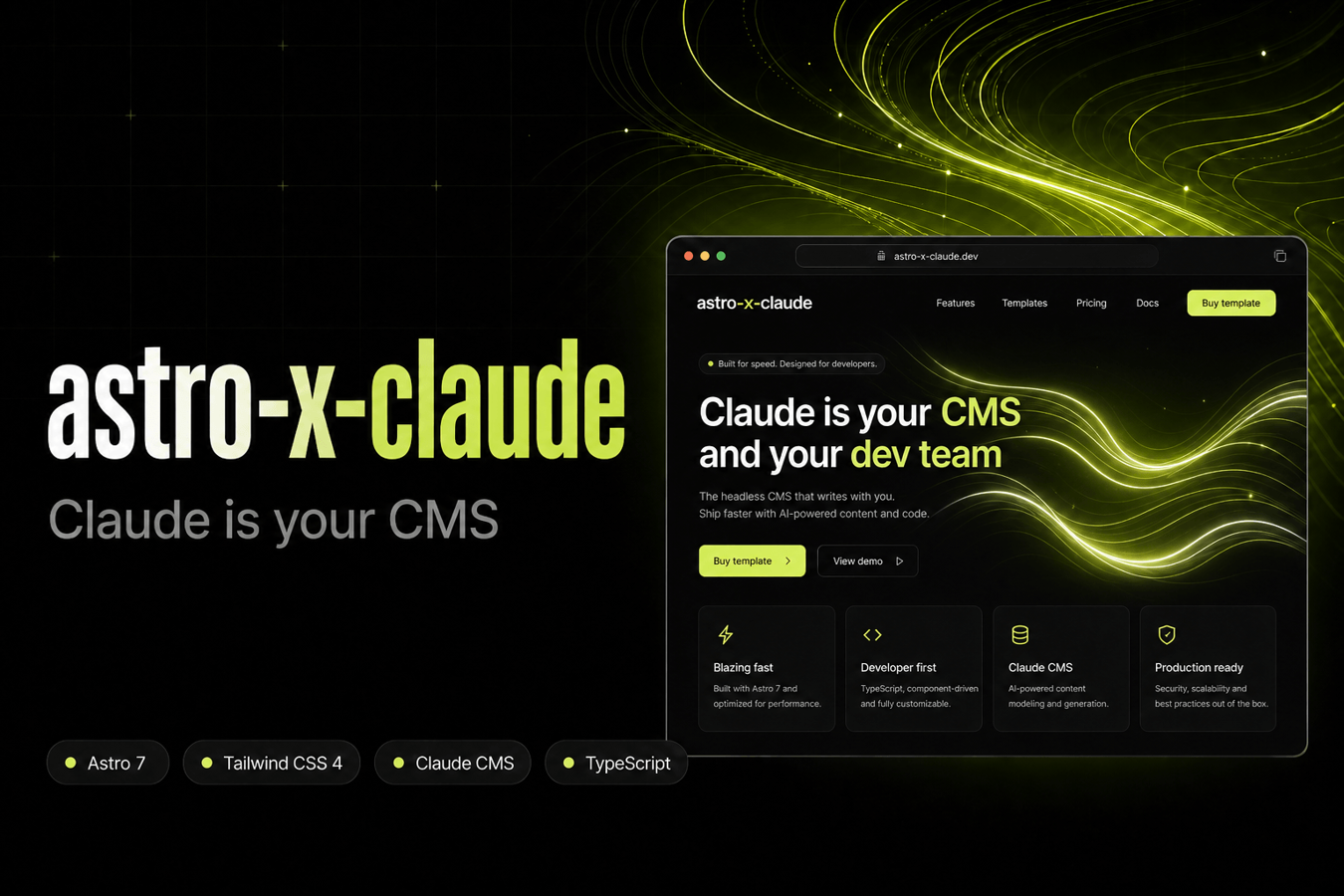
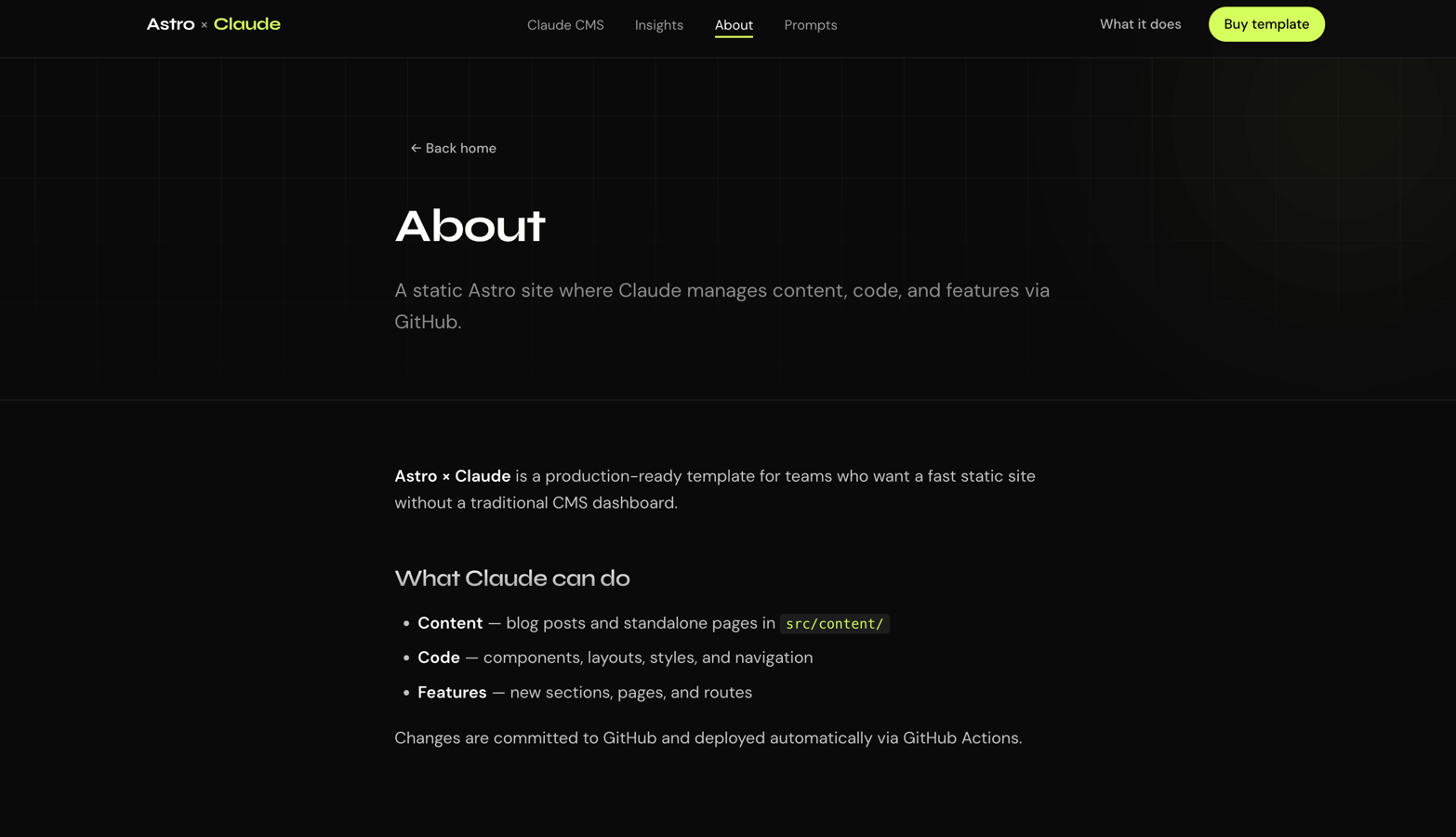
astro-x-claude is a production-ready Astro template built around a different idea of what a CMS can be: instead of a dashboard, Claude Code is your CMS. You describe what you want in natural language (new blog posts, layout tweaks, new pages, navigation changes) and Claude edits the repo, runs checks, commits, and pushes. GitHub Actions handles lint and build on every push, and the site deploys as static HTML to GitHub Pages, Netlify, or Vercel.
Why this template exists
Most templates give you pages and components. astro-x-claude gives you a workflow: a dark, agency-grade marketing site plus the Claude configuration (skills, hooks, and project context) to operate the whole project from your editor. Content lives in typed Markdown collections; code lives in Astro components. Claude can work on both in the same session.
No database. No admin panel. No vendor lock-in. Just Git, Markdown, and static output.
What's included
Framework & tooling
- Astro 7 with TypeScript strict mode and static output
- Tailwind CSS 4 via the official @tailwindcss/vite plugin
- Content Collections with Zod schemas for blog posts and standalone pages
- GitHub Actions CI — lint and build on every push; optional GitHub Pages deploy
Design & UI
- Dark agency design system with lime accent, gradient typography, and reusable tokens
- Animated Strands hero background (WebGL, adapted from React Bits)
- Scroll-reveal animations via a lightweight Reveal component
- Responsive layout with blog index, post template, and dynamic page routes
Claude CMS integration
- CLAUDE.md: persistent project context for every Claude Code session
- Skills for content updates, feature development, and deploy workflows
- Hooks that run astro check after code edits and block writes to generated output
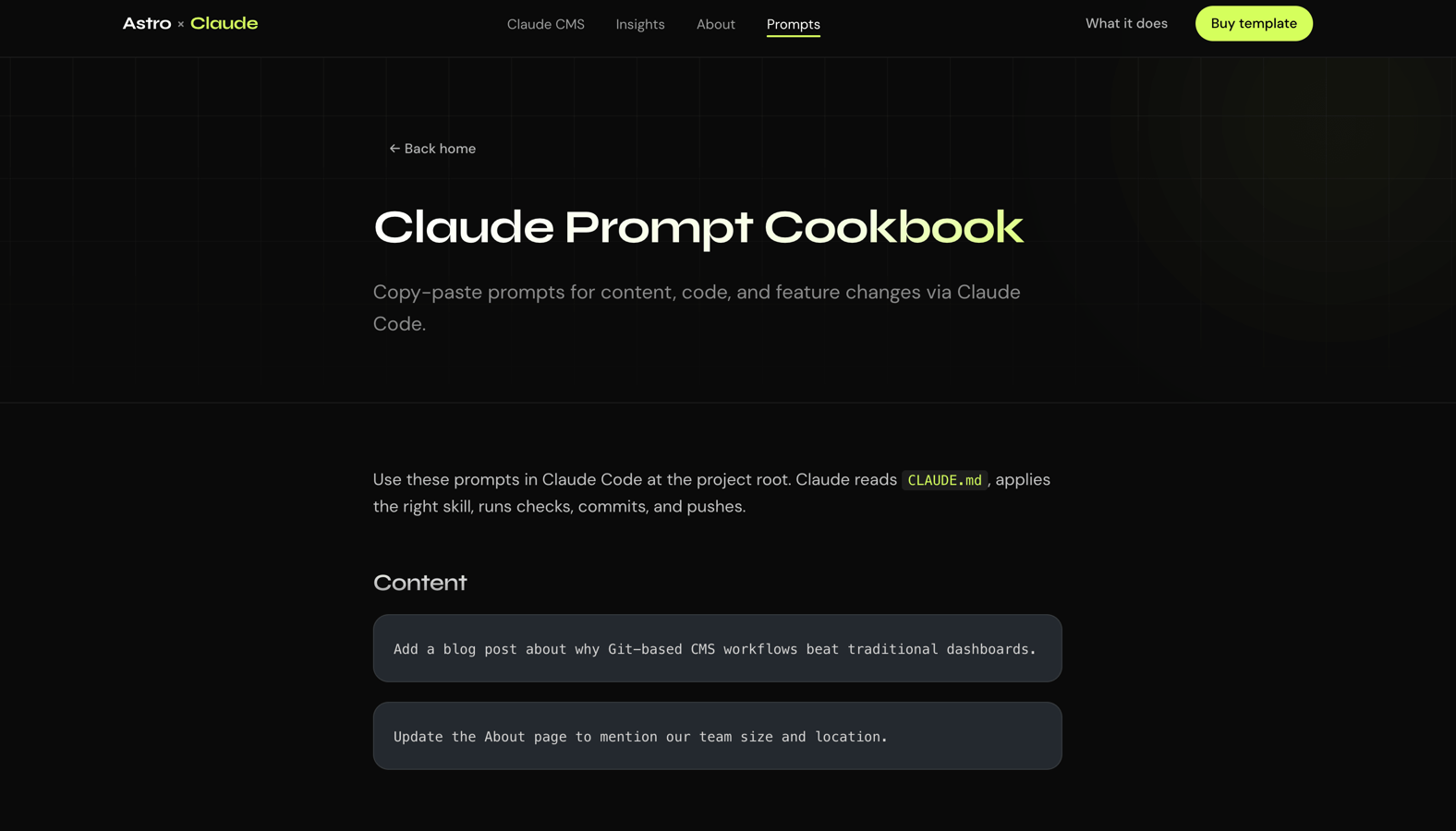
- Example prompts page and sample blog posts to get started quickly
Pages & content
- Homepage with hero, capabilities section, and CTAs
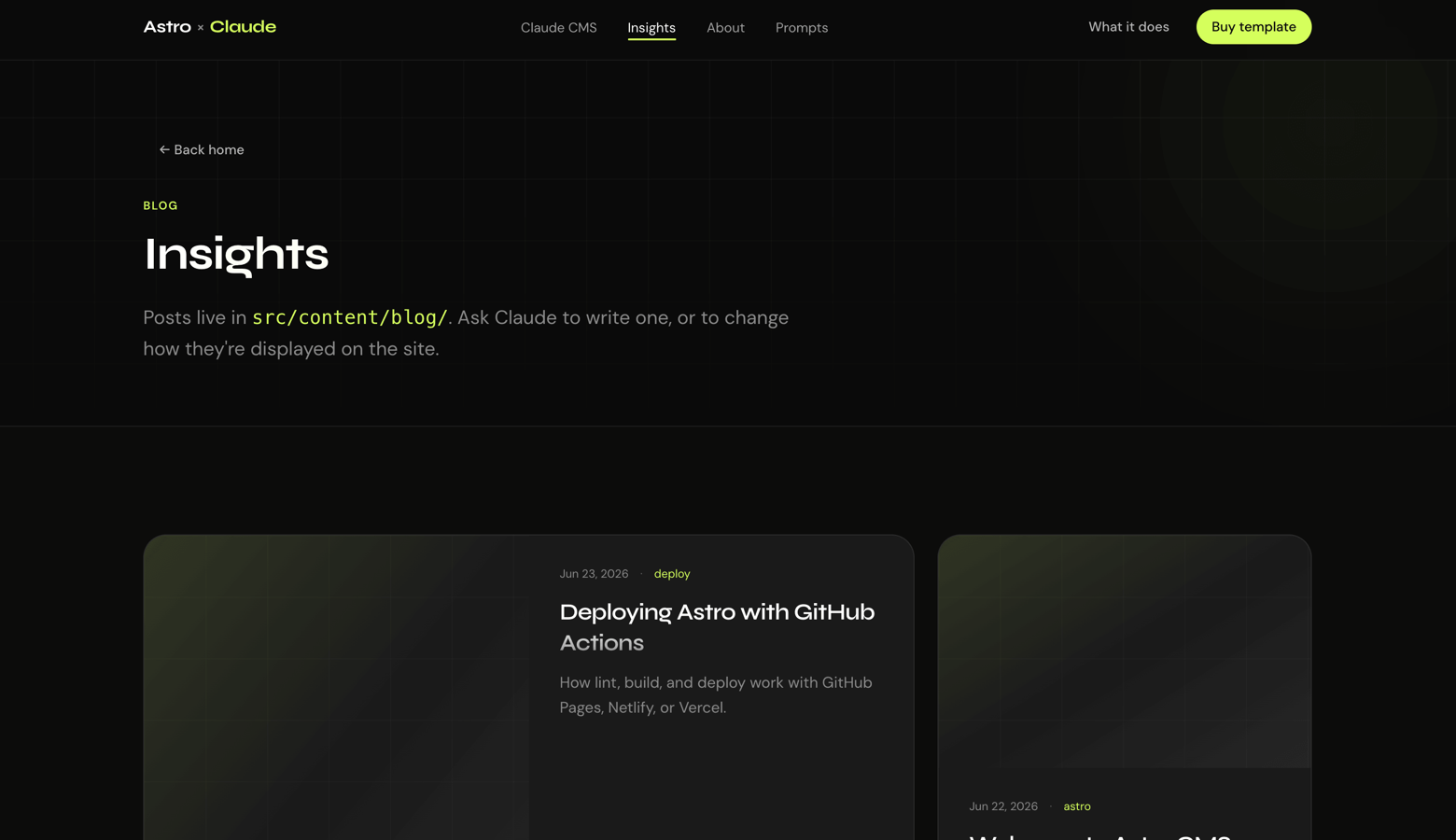
- Blog with listing and individual post layouts
- Standalone pages (About, license, prompt cookbook, and more) via src/content/pages/
- Header with active nav states and footer with stack links
Deployment
- Documented setup for GitHub Pages, Netlify, and Vercel
- netlify.toml and vercel.json included
- .env.example for ASTRO_SITE and ASTRO_BASE configuration
- How the Claude CMS workflow works
- Open Claude Code in the project root.
- Ask for a change — e.g. "Add a blog post about static site performance" or "Update the header nav links."
- Claude reads CLAUDE.md, follows project skills, edits files, and runs npm run check.
- Changes commit to main and CI builds the site.
- Your host deploys dist/ automatically.
- Claude can edit content (Markdown in src/content/), code (.astro, .css, components), and features (new routes, sections, layouts) in one flow.
Who it's for
- Developers who want a fast static site without maintaining a CMS
- Agencies shipping client sites with a repeatable Claude-assisted workflow
- Teams already using Claude Code who want a opinionated starting point
- Technical founders who prefer Git-based content over WordPress or headless dashboards
Requirements
- Node.js 22+
- Git and a GitHub account for hosting and the CMS workflow
- Claude Code recommended for the full experience (the site runs fine without it)
Quick start
- npm install
- npm run dev:astro
- Open http://localhost:4321.
- Run npm run check and npm run build before you push.